
 Language
Related extensions:
The EPUB (Electronic Publication) is free standard used to store paper publications in digital format. It is very popular on portable devices, such as mobile phones and tablets, but it is also readable on laptop and desktop computers. To view the EPUB publication you will need a specialized EPUB reader. There is a list of useful applications that help you to read and mange your EPUB library on Mac computers.
How to open and manage epub files on Mac OS X
Opening epub ebooks with Adobe Digital Editions for Mac
Digital Editions is easy-to-use EPUB reader and manager from Adobe. It is also able to open PDF documents, XHTML documents and Flash-based content. Digital Editions can be used to purchase and download digital publications, manage e-book library and transfer digital books to other devices.
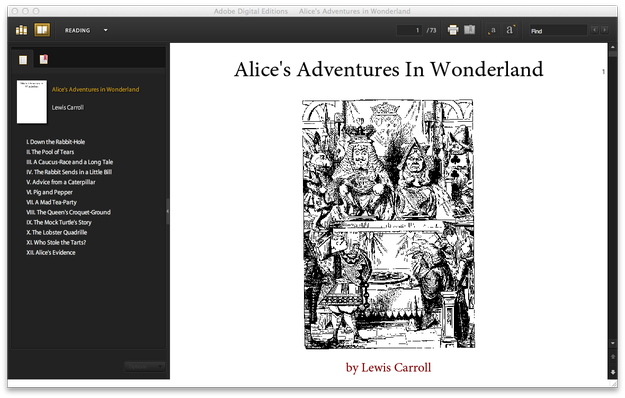
- To open the .epub file in Adobe Digital Editions, start it → drag .epub file by mouse and drop it on Adobe Digital Editions window.
List of associated software and links are at the end of this article.
Adobe Digital Edition for Mac automatic installer on Adobe website has problems with system requirements detection and sometimes stops the installation process. However on Adobe website you can also find DMG image with Adobe Digital Edition installation for Mac (Search for it).
Nook for Mac
Nook for Mac is free e-book reader developed by Barnes & Noble publishing. It can be used to read your EPUB files as well as to purchase and download digital publications from Barnes & Noble electronic book store that contains about 2 millions of digital publications.
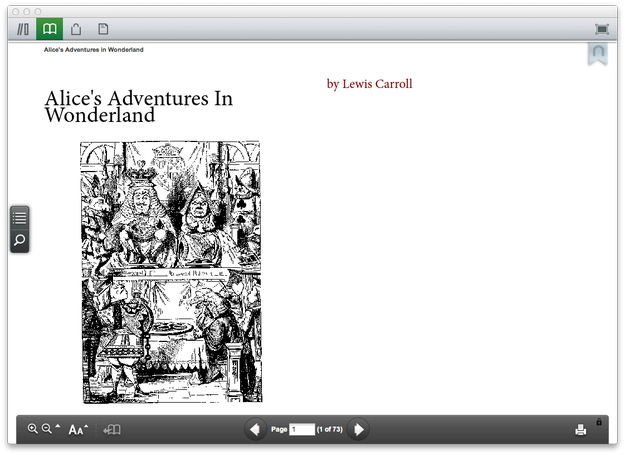
- To open the .epub file in Nook for Mac, start it → drag .epub file by mouse and drop it on Nook window. Nook adds .epub file to library and view it in e-book viewer.
FBReader for Mac
FBReader is very simple EPUB viewer available for Windows, Linux and Mac OS X. It is able to open EPUB books, PDF documents, TXT simple texts, FB2 e-books and many more.
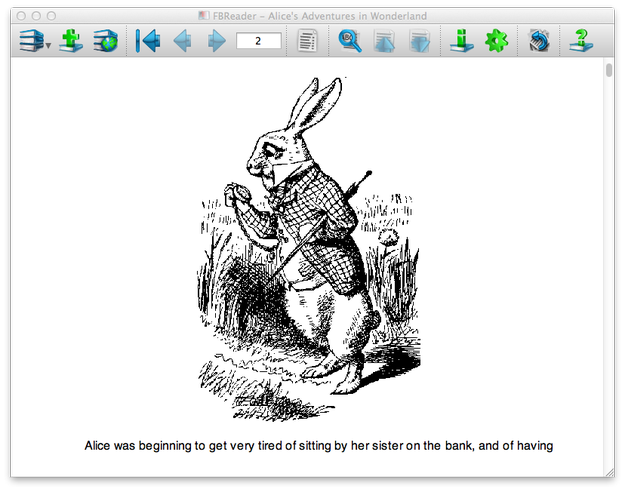
- To open the .epub file press the second button named Add File to Library in top icon menu → select the .epub file.
Calibre for Mac
Calibre is free open-source EPUB library management application that is able to view EPUB files, manage a digital library, e-book conversion, sync e-books with portable devices, create content server to view for on-line access to book collection.
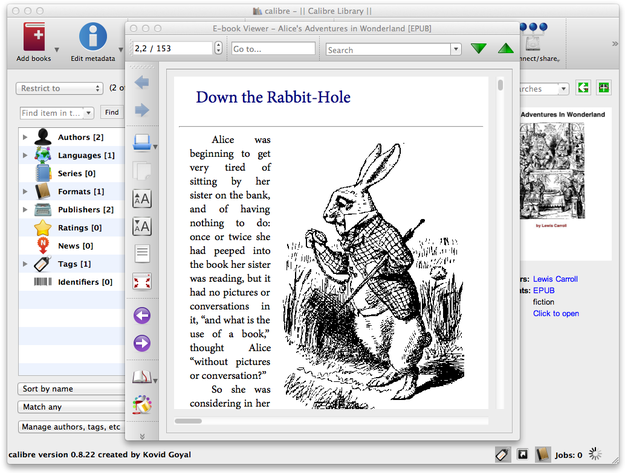
-
To open .epub file, select Add books option in top icon menu → add the .epub to library → select View option in top icon menu.