
 Language
Related extensions:
Introduction
 OXPS means Open XML Paper Specification (also known as OpenXPS). It is a fixed-layout document file format developed by Microsoft and introduced in 2009 as a replacement of Adobe Portable Document Format in Microsoft Windows operating system.
There exist two incompatible forms of XPS format, the original XPS used by Microsoft Windows 7, Vista and Windows XP and the new OXPS introduced in Microsoft Windows 8.
Apple Mac OS X doesn't have support for viewing of both XPS and OXPS documents in its default Preview pictures and documents viewing tool. However, there do exist some solutions for both of these formats on Mac.
Apps for viewing XPS and OXPS documents on Mac
XPSView
A user friendly tool that allows Mac users to view XPS and OXPS documents. It of course has more features, including different page view styles, sidebar for table of content, page thumbnails, search panel, bookmark management, viewing scale, page navigation, reading history, document inspector or full screen support.
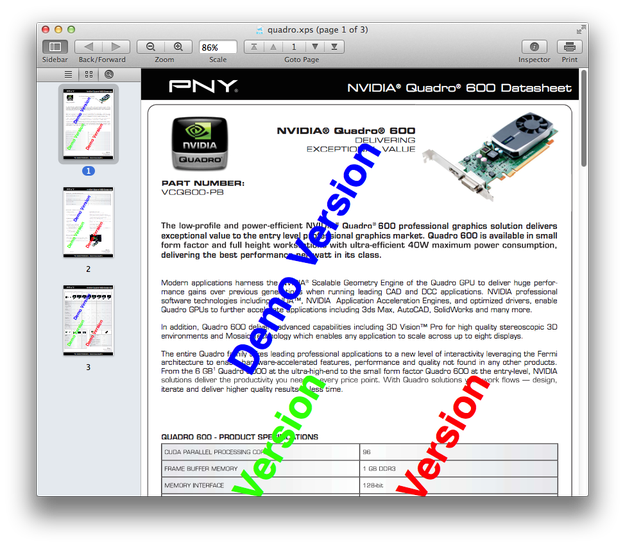
Another advantage of XPSView is that it allows users to convert OpenXPS documents to much more popular Adobe PDF format as well as many picture image formats (JPG, PNG, TIFF, BMP, JP2) and plain text (TXT).
The app is also available for iOS operating system and thus for both iPhone and iPad devices.
XPS-Reader
An intuitive application for reading XPS (XML Paper Specification, *.xps) and OpenXPS (Open XML Paper Specification, *.oxps) files on the Mac, which looks very similar to OS X Preview app.
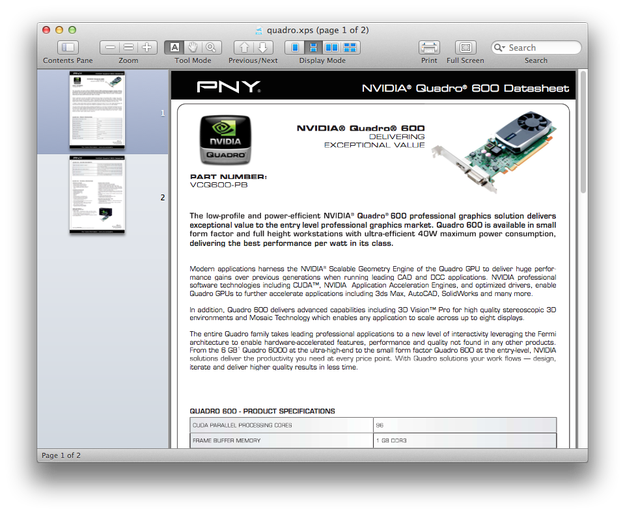
It also enables users to transform XPS/OXPS documents to PDF, TXT, or some picture image formats (PNG, JPEG, JPEG2000, TIFF, BMP, GIF). It can be also used to extract picture data from OpenXPS documents.
On-line solutions converting XPS and OXPS documents
XPSView and XPS-Reader are able to convert OpenXPS format, but they are a paid solution.
However, you can use a free solutions, like on-line converters, that transform XPS/OXPS files to PDF, or picture image formats.
Our recommendation:
XPS/OXPStoPDF - an on-line tool that allows users to transform XPS/OXPS documents to PDF, MS Office formats, OpenDocument formats and various picture images.
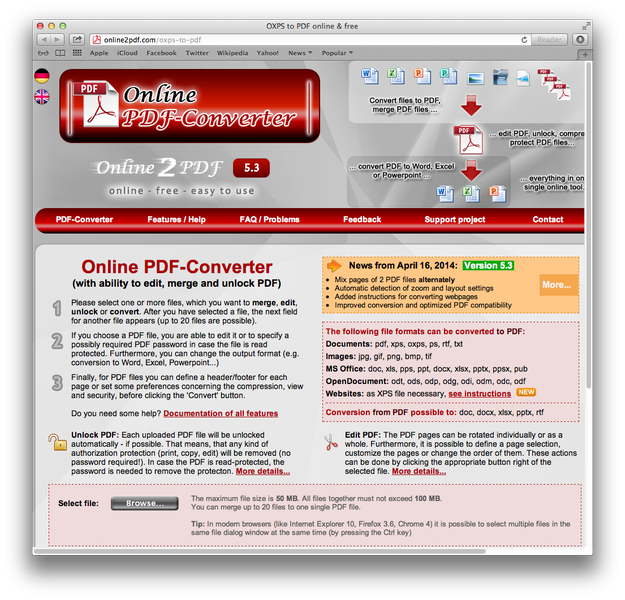
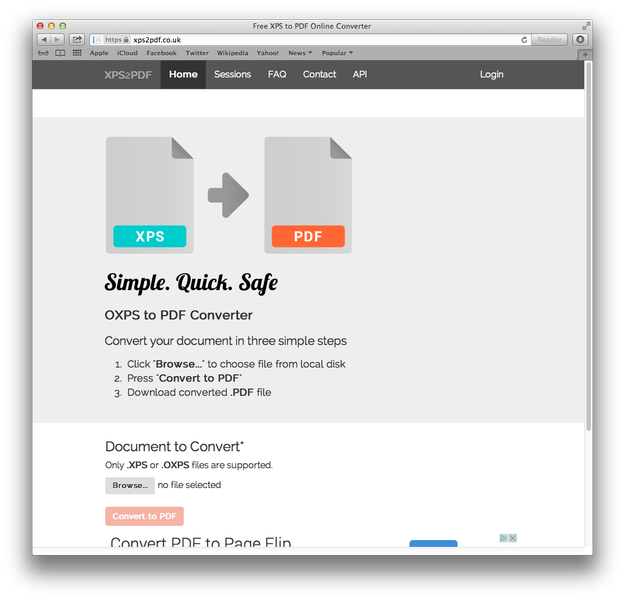
XPS2PDF - a very simple tool for converting XPS and OXPS documents to Adobe Portable Document Format.
How to edit XPS and OXPS documents on Mac
There is no program from Microsoft or third party software that can be used to edit OpenXPS documents. The only way to convert it to editable format and open it in a compatible Mac application.