
 Language
Related extensions:
How to convert files online
From time to time every computer user needs file conversion. A friend send you document in a format you are unable to open, your media player does not support the format of the audio file you have downloaded, or you just need to reduce the file size of digital photographs etc. There exist many reasons why you need to convert file in one format to another.
If you Google a bit you will notice that the Internet is full of websites that offer file conversion services. But which one is good? Which one is fake Which one to pick? In this article we show you some of the most popular and reliable online converters on Internet.
Most popular online conversion services
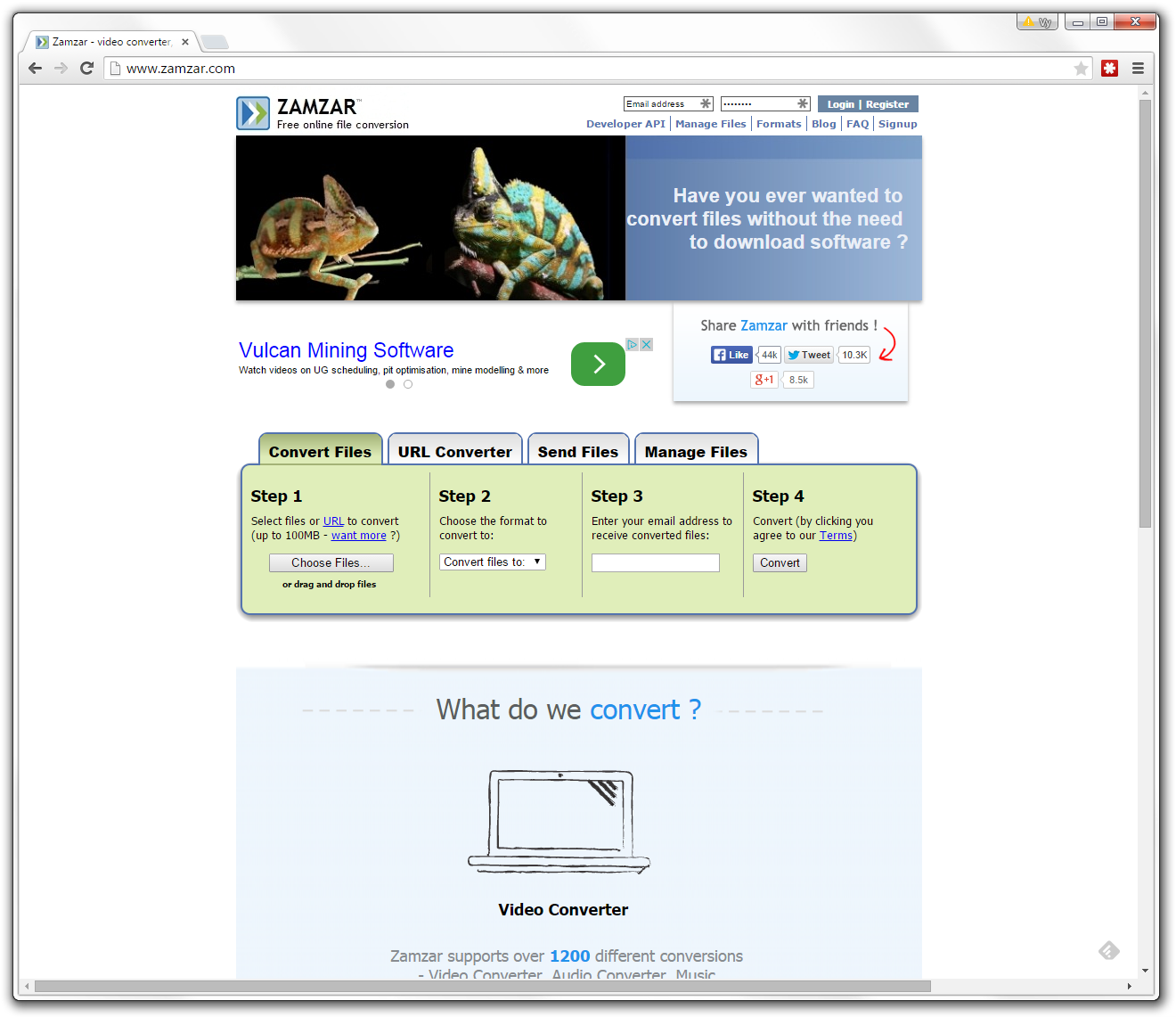
ZAMZAR
ZAMZAR is nowadays probably number one online converter that offers audio, video, document, e-book as well as picture conversion options. The possible combinations seems to be limitless, however in some cases the results may be weird and not exactly what you meant to do with the conversion.
The little downside is that you have to use e-mail to get your converted file which may create lots of other issues, like spam block, delays etc.
Currently there are over 1200 file types supported by ZAMZAR, whenever they actually always work is another question. For the average users however, it should be sufficient and a quick way to get their conversions done.
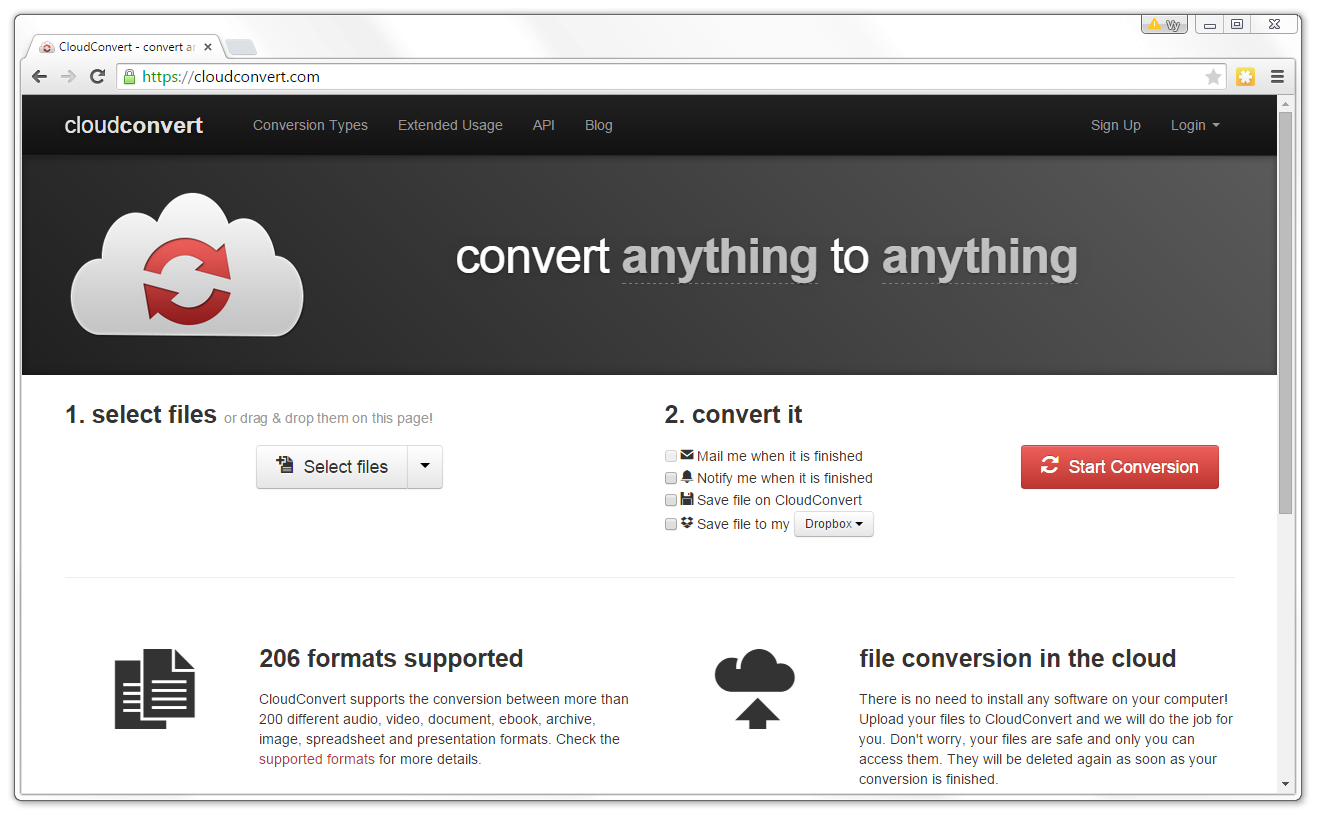
CloudConvert
A cloud based conversion solution that also offers conversion for hundreds of various file types. The big advantage of this particular service is that it works well with Dropbox, Google Drive and OneDrive services and you can both upload and save files from a to them.
Overall is one of the more popular online conversion services and will be sufficient for most users.
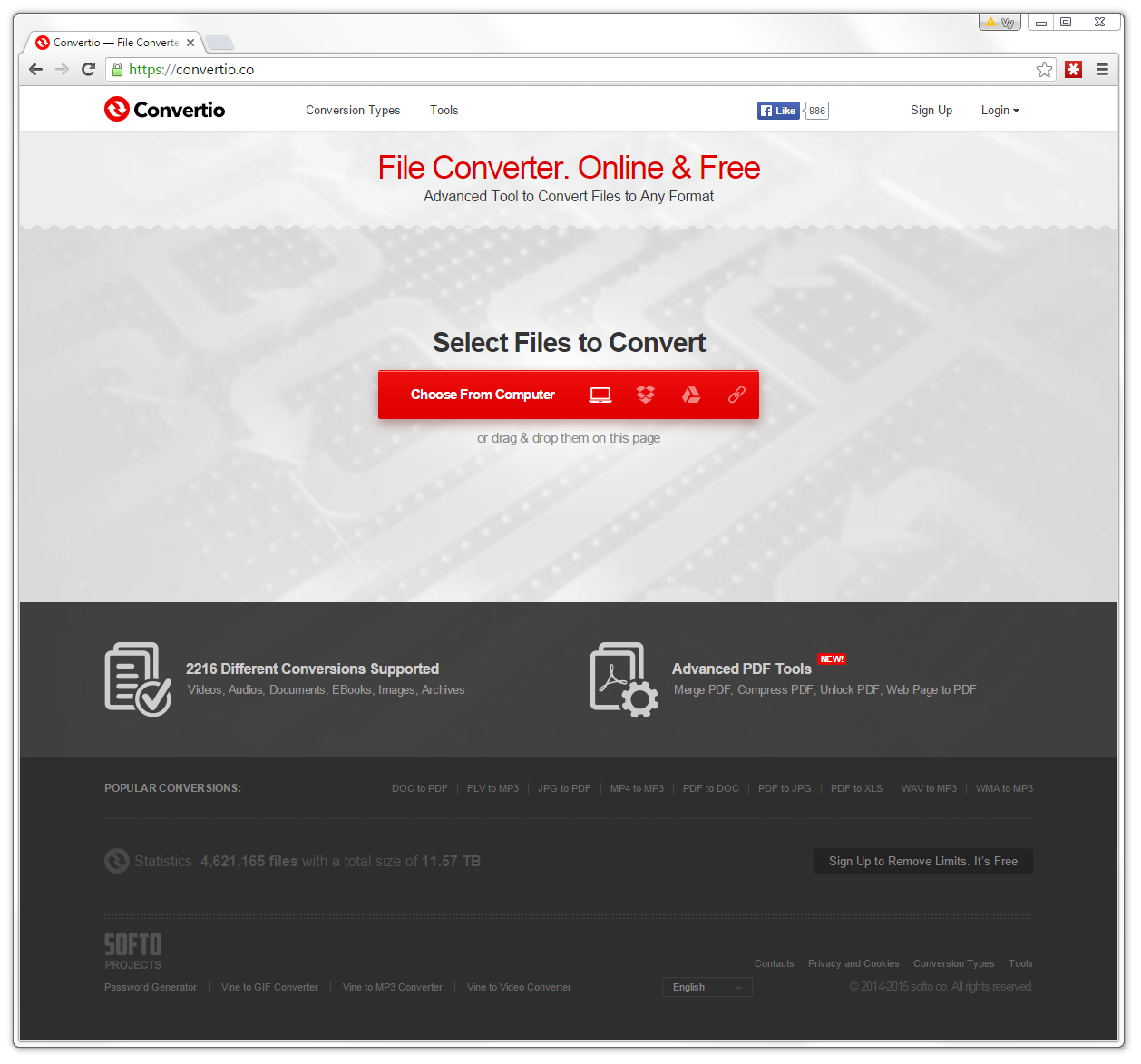
Convertio.co
One of the more recent online converter with support over 2000 file types, including video, audio, documents, ebooks, images or archives. It also offers extensive PDF handling capability.
You can use it anonymously for free with some limitations. Free registration on the website removes all the limits
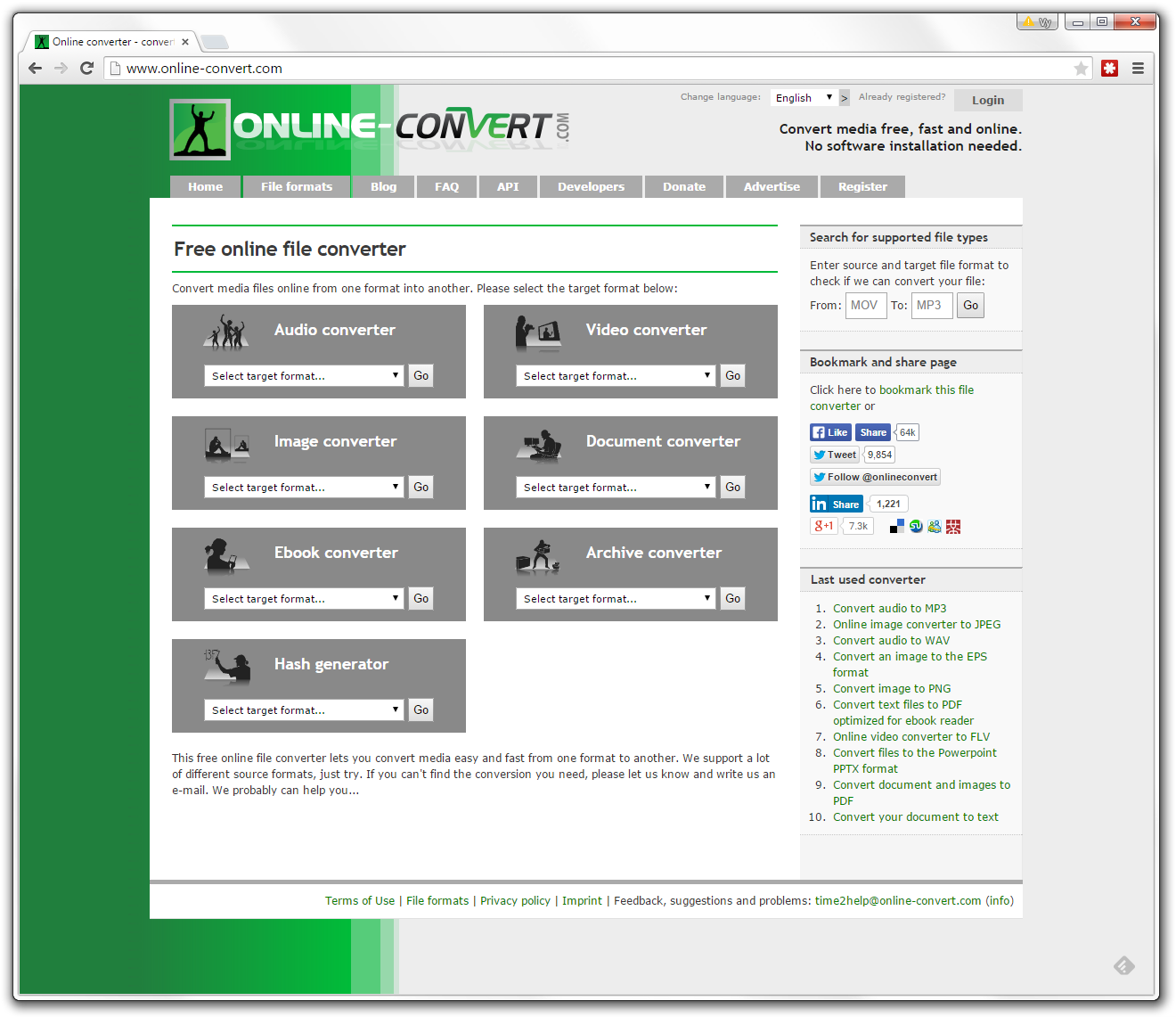
Online-Convert.com
Another all purpose online conversion solution that supports all kind of conversions, including picture conversions, audio conversions, video conversions or document conversions.
The amount of supported formats is much lower compared to ZAMZAR. On the other hand, you do not require to use email to get your converted files.
For multimedia converters users may also tweak additional settings, such as bitrate, sample quality, channels etc., which is another advantage compared to ZAMZAR.
This website is ideal for someone who needs to convert some of the more common file types and does not need exotics formats.
Picture Resize Free Online Images Converter
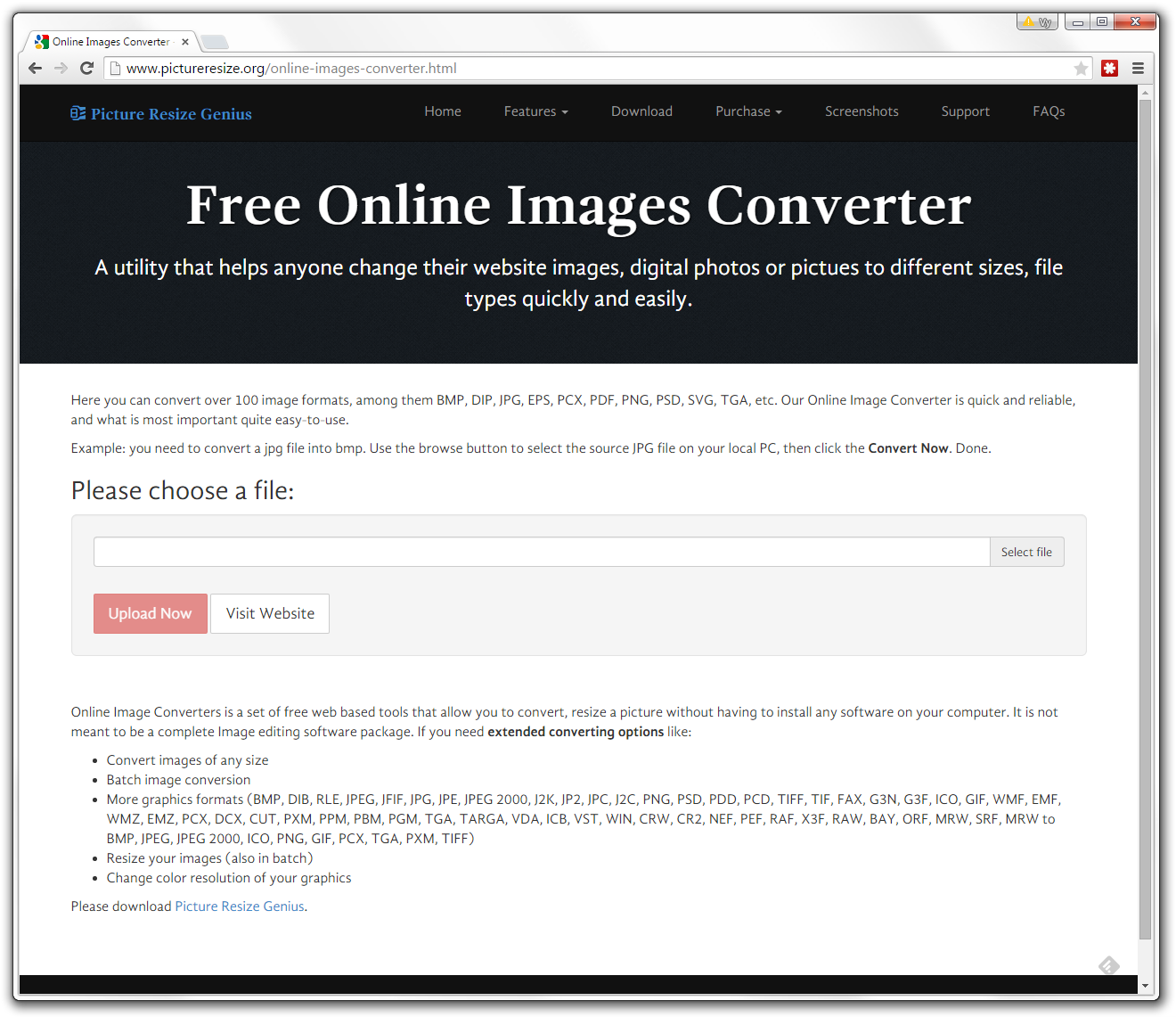
If you need to quickly some picture or vector image to another format, Free Online Images Converter is a good and reliable choice.
You simply upload your image and after that you can select any of the supported formats for conversion. There are also additional settings for picture quality and you may also resize the picture if you want to. When done you can download the picture back to your computer. No e-mail or whatsoever needed.
The website boasts that it supports more than 100 formats, including the most common ones and that is more than enough for the average user.
Visit Free Online Images Converter
Online eBook Converter
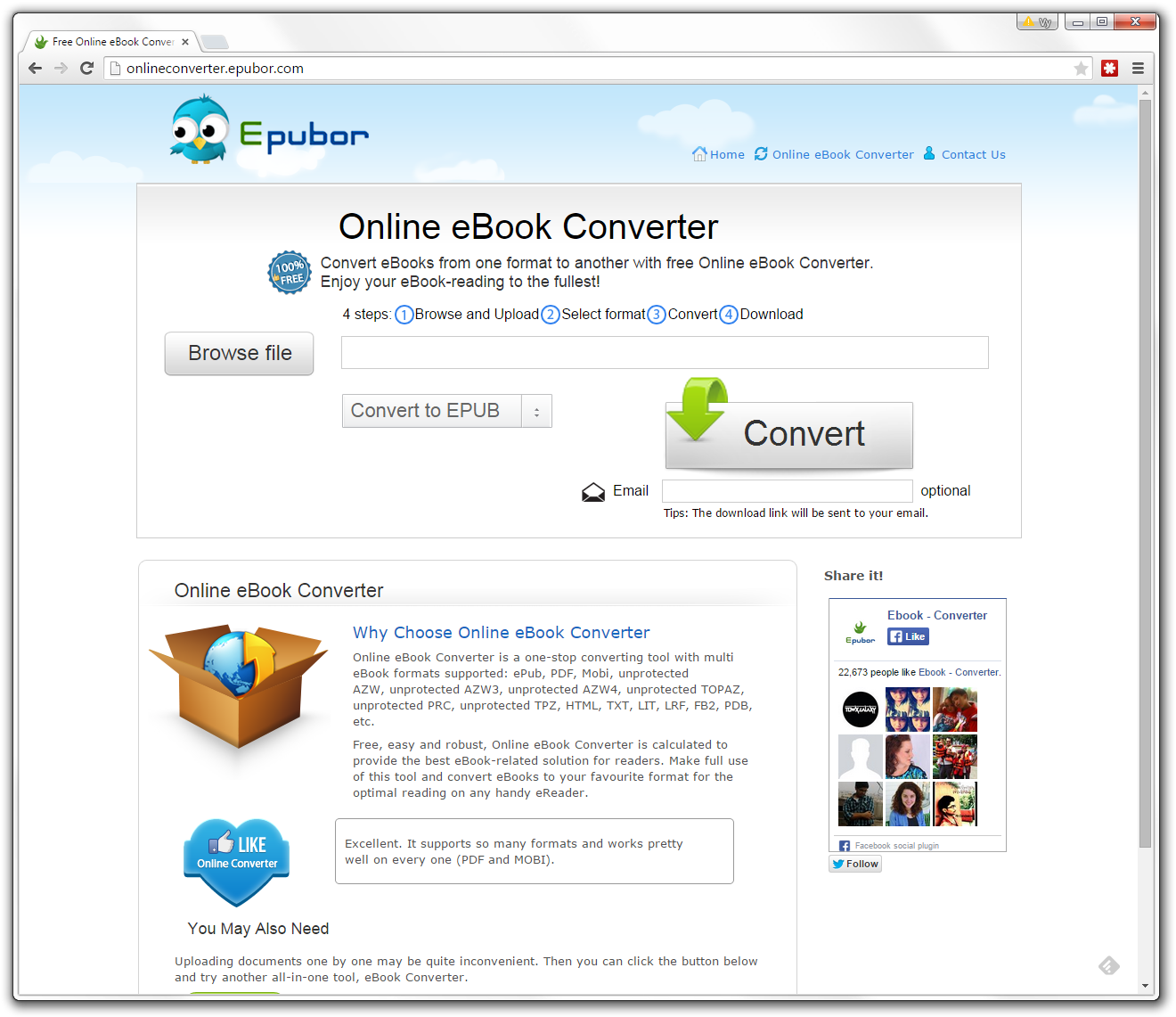
This online converter is dedicated for ebook conversions. It supports most of the common digital publication formats (PDF, ePUB) as well as MOBI format for Kindle devices (non-DRM protected). A great tool, especially if you need some older ebooks quickly converted to one of the formats supported by your device.
For other formats you can download their desktop converter that offers greater format support.
Code Beautify
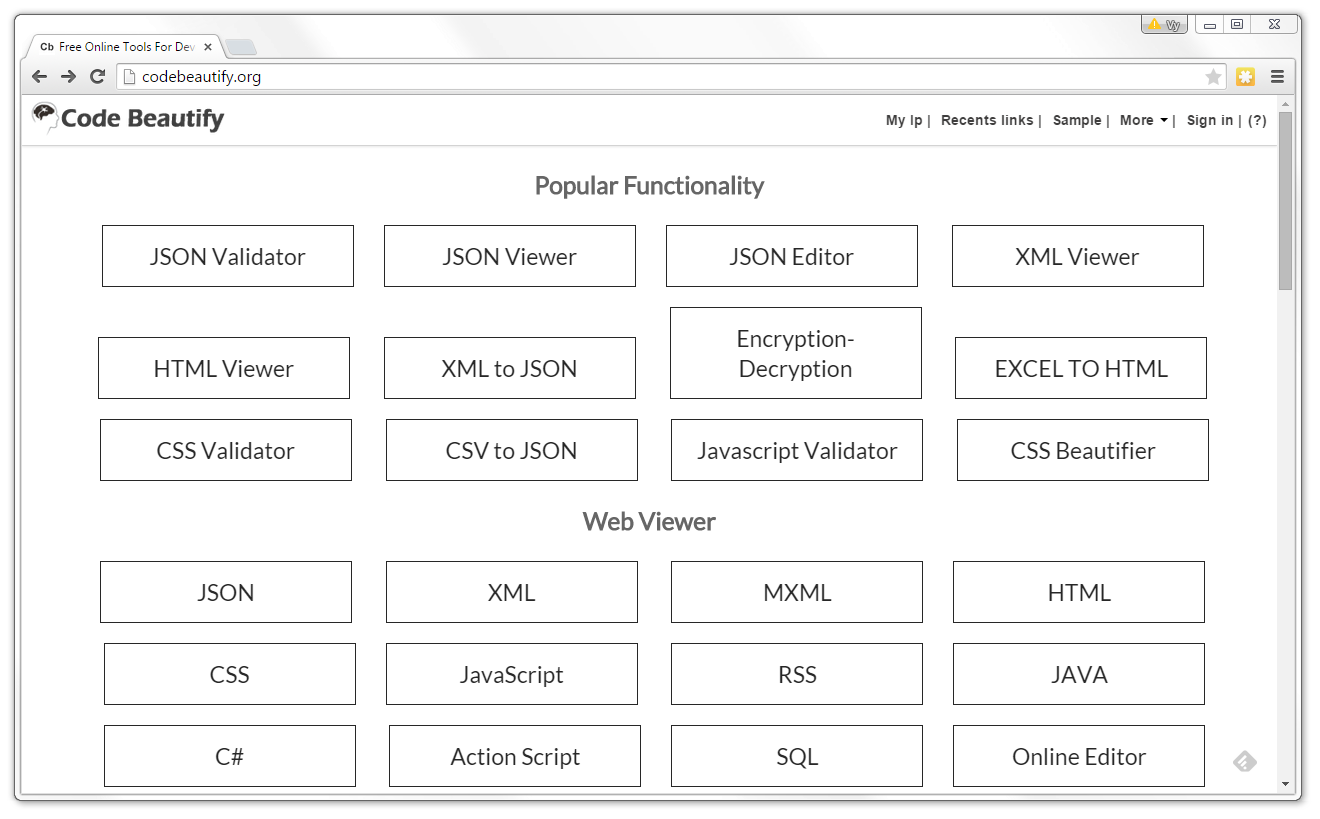
Code Beatify is for users that need to convert various source codes and web design formats. It can be used to translate XML, HTML, CSV, JavaScript, JSON and other codes between supported formats. The conversions are done directly in browser windows and user needs only to copy and paste the sources.
Probably not for the average user, but can be of great help to someone who knows exactly what he needs.
And many other...
You can find hundreds other websites with various online converters. Most of them are imitations of the previous ones and really offer nothing better.
However there exist specialized converters for unique file conversions meant only for few conversions and these can be really handy. Usually it is better to use a specialized converter, because it is more likely that it actually works and does what it should do.
When using a new conversion service, always be mindful and vigilant. Some may contain trojans or download some scam software to your computer, other will just take your email and spam messages will follow.