
 Language
Related extensions:
 Windows Registry is crucial part in computer operation. Whilst generally avoided by inexperienced users because they are afraid they can "break something", power users frequently check registry for errors, to directly fix some settings or tweak a feature.
The default program for registry operations in Windows is Registry editor (regedit.exe). It is usually sufficient for basic operations, but since it wasn't upgraded or changed much since Windows 95 it might be helpful to look for more sophisticated alternatives. So in this article we are going to introduce you some of the best Windows Registry utilities on the market.
Top Windows Registry editors and utilities
There are probably dozens Registry programs and utilities that can do pretty much the same job and maybe even more. But these three programs we will show you are one of the most popular amongst the users.
Registrar Registry Manager
Registrar Registry Manager is mainly aimed at experienced or professional Windows users. It is an advanced set of tools for management and editing of Windows local registry, as well as remove computers in network. There are also backup and defragmentation tools to help users keep their registry in top notch shape.
The program supports the latest Windows 8 and can be used as freeware for home use.
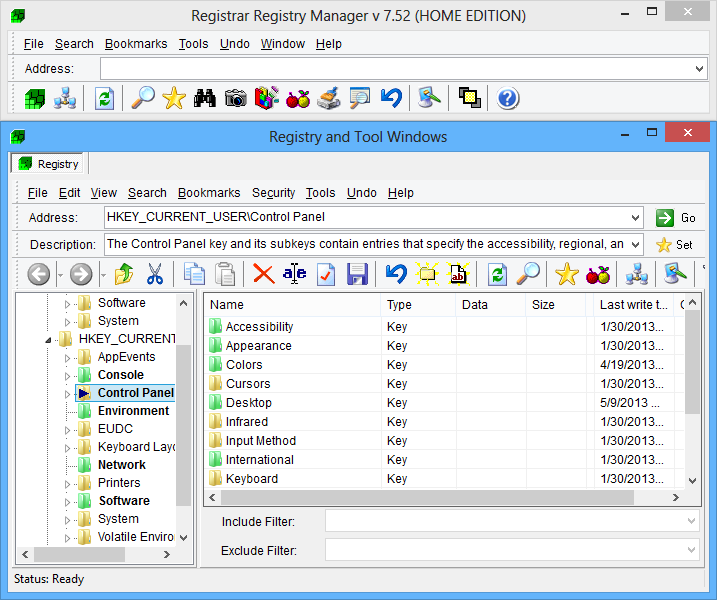
Registrar Registry Manager screenshot
Registry Workshop
Another fine alternative to regedit. Registry Workshop is an advanced registry editor which offers a variety of powerful features that allow users to work faster and more efficiently with registry related tasks. All changes done with the program - except changing key permissions - can be safely reversed (even registry replacing and importing), using multiple levels of Undo.
Registry Workshop is available also in other languages, including Bulgarian, Dutch, French, German, Italian, Korean, Polish, Spanish, Russian, Chinese, Hungarian and Japanese. You can download a trial version from developer's website. Single license costs 29.95$.
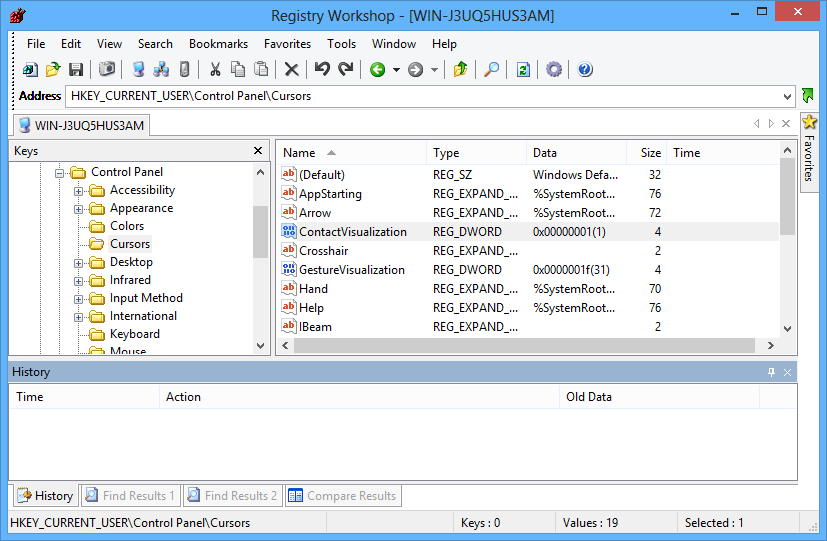
Registry Workshop screenshot
TuneUp Utilities
TuneUp Utilities is a set of useful programs that help users optimize and speed up their computer. One of the utilities from the bundle is called TuneUp Registry Cleaner and it's one of the better available on the market. It offers all the advanced registry editing and defragmentation features, as well as cleaning and fixing function. The bundle is overall aimed at more novice users.
You can download a 15-day test version from the developer website. It is available in several languages.
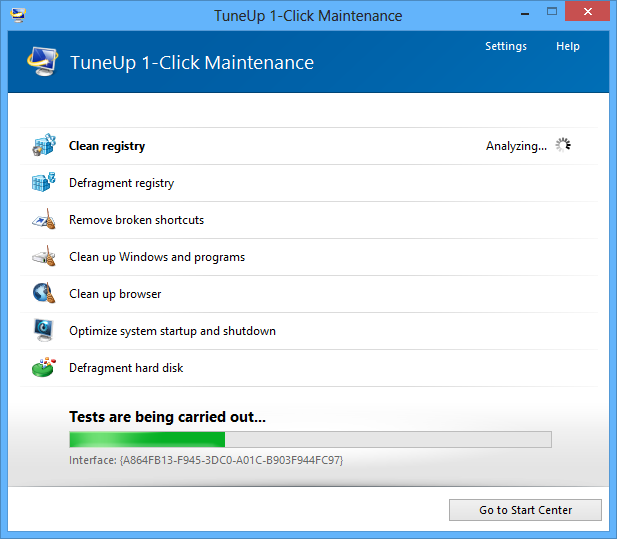
TuneUp Utilities maintenance screenshot
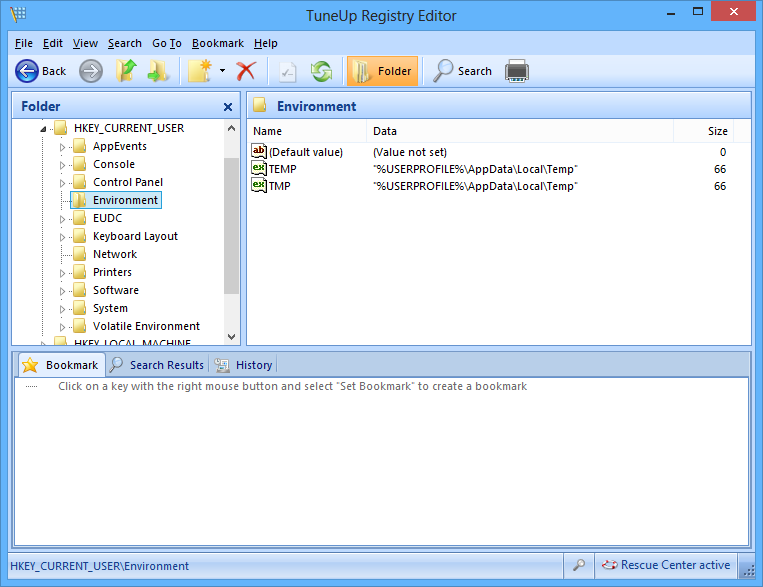
TuneUp Registry Editor screenshot