
 Language
Related extensions:
TIP: Best video converters that are free download

Do you need to convert some of your videos to different formats and have no idea which converter to pick? There is like dozen, if not hundreds available all over internet and it seems like all of them offer users the same features. So, which one to pick?
Here is a small list of currently most popular and downloaded FREE video converters with basic overview of their functions. Most of these programs are available for Windows, while some also have versions for Mac and Linux platform.
Best Windows software for video format conversion
 Freemake Video Converter
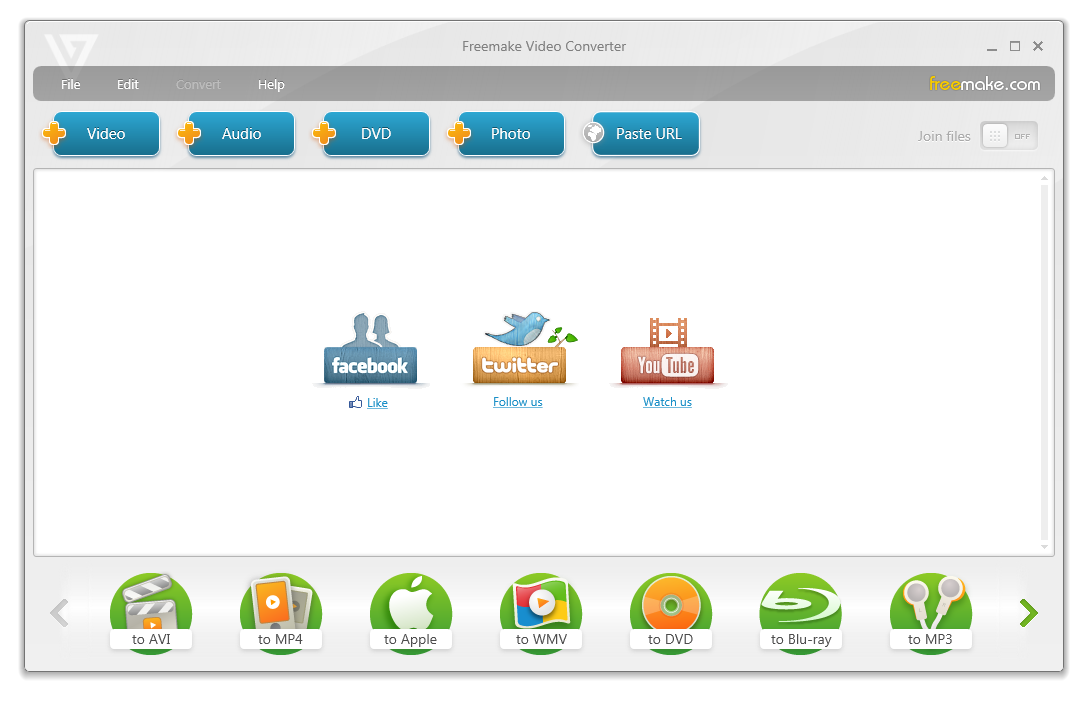
Very popular video conversion program, which offers support for 200+ input formats and output to most common video formats like AVI, MKV or MP4. It is one of the fastest converters that fully utilizes integration of CUDA and DXVA technologies. And what's more, the program contains great burning utility as well.
Wonderfox Free HD Video Converter
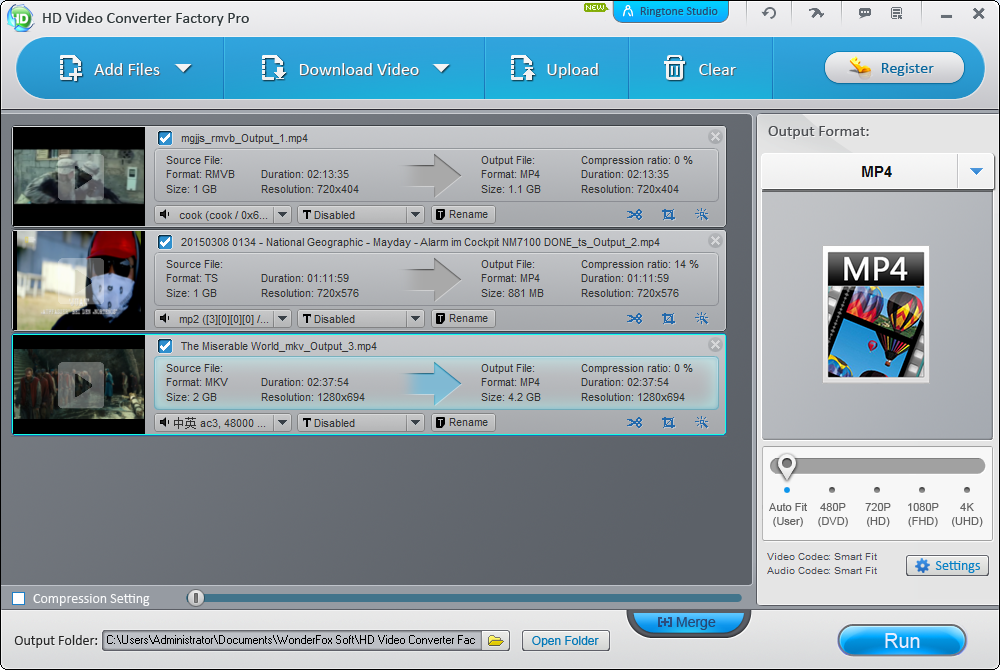 A fast and powerful video converter that offers one of the best HD conversion capabilities along broad format support, which include 4K video, H265, VP9, MKV, MP4, AVI, H264, MTS, M2TS, FLV, SWF, HTML5, WEBM, TOD, VOB and more.
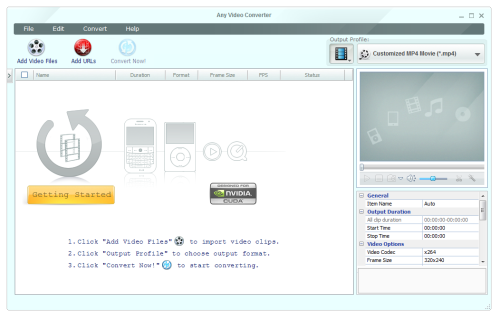 Any Video Converter - Freeware
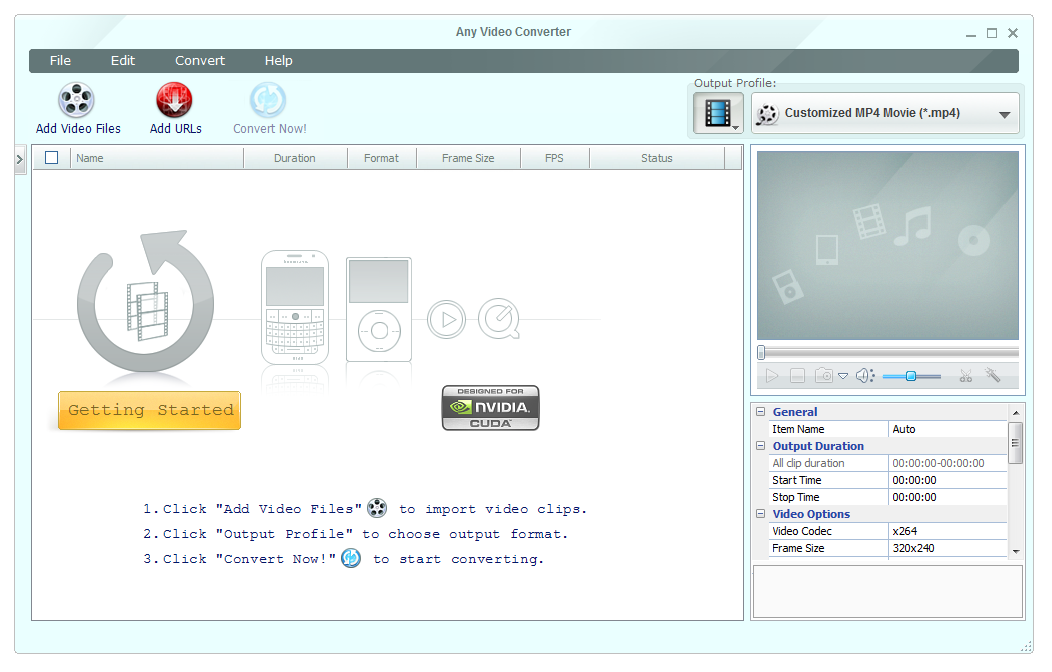
One of the most popular and downloaded free converter for video files. Supports large number of video formats and their conversion. The program also offers some basic video editing and burning capabilities. The program is also available for Mac users through iTunes.
 Free Studio
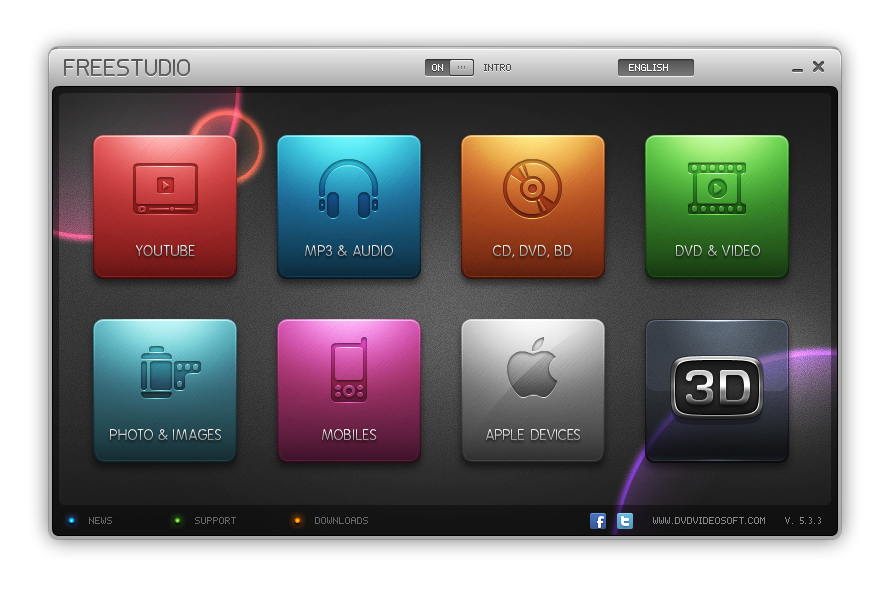
Free Studio is a all-in-one package that contains all the great free conversion utilities otherwise available as separate download. The manager contains various video conversion utilities, as well as photo editors, burning program, Facebook uploader and many other handy programs.
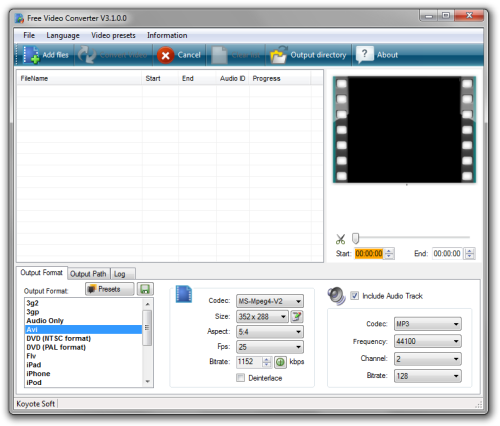 Koyote Free Video Converter
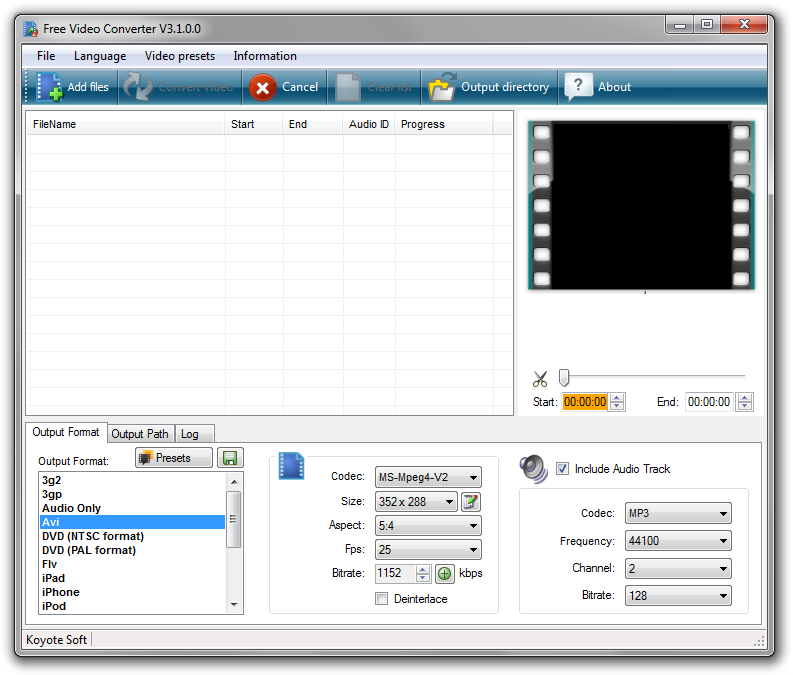
High speed conversion program from Koyote Software. Clean and user friendly interface with many intuitive configuration options makes it ideal program for computer casuals. Support for common video formats with option to convert only some parts of the video or its audio. This converter is only for Windows platform.
 FormatFactory
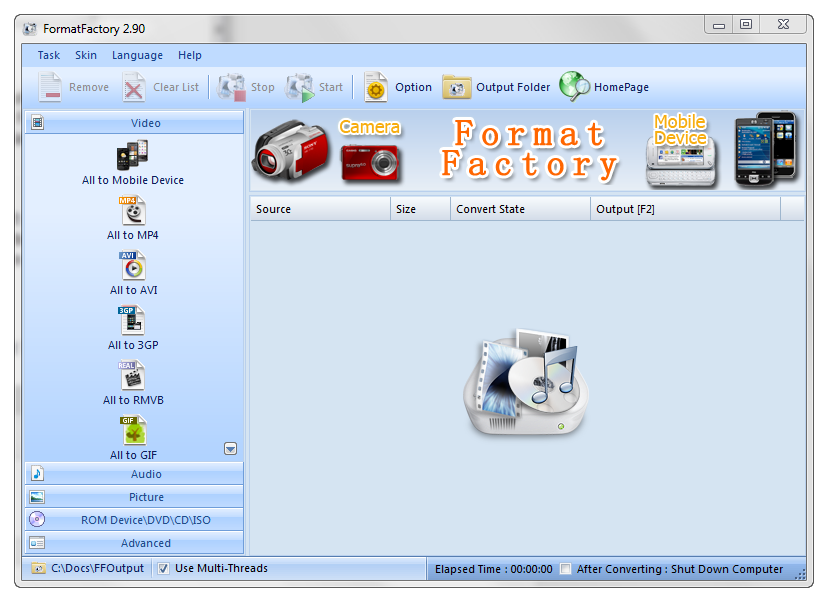
Yet another conversion software described by authors as multifunctional media converter. It offers conversion capabilities for common video formats as well as audio or image formats. FormatFactory also has basic ripping capabilities and supposedly can also repair damaged video files. Its translated in over 60 language. Only for Windows platform.
 4Free Video Converter
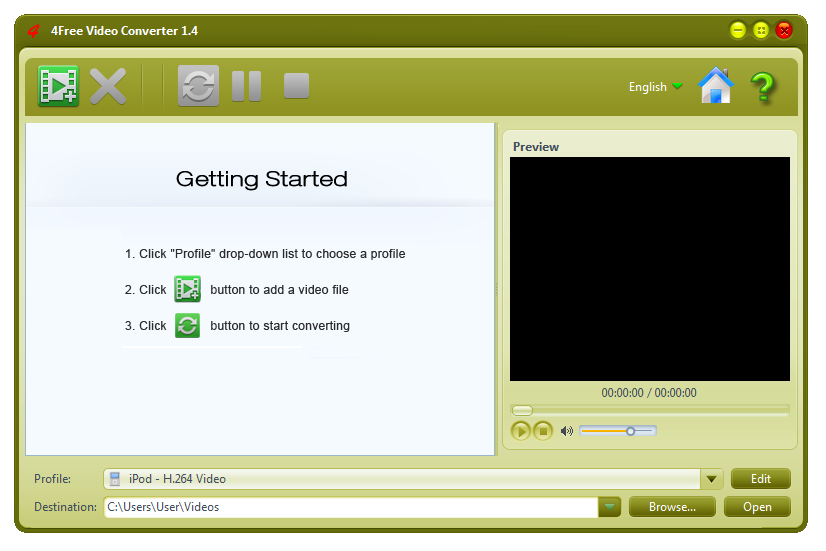
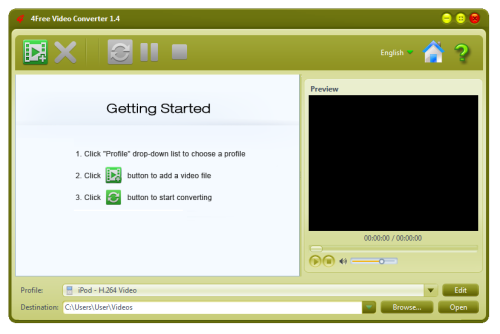
User friendly video converter with both video and audio conversion capabilities. It supports all portable media devices and their respective formats. The program also has basic video editing functions, such as trimming. Batch conversion is also supported, but that's something like standard in todays video converters. Windows only.
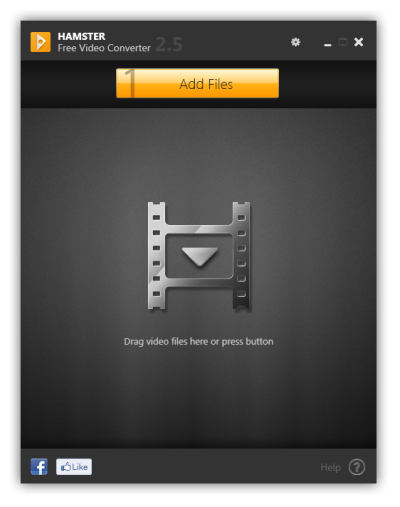 Hamster Free Video Converter
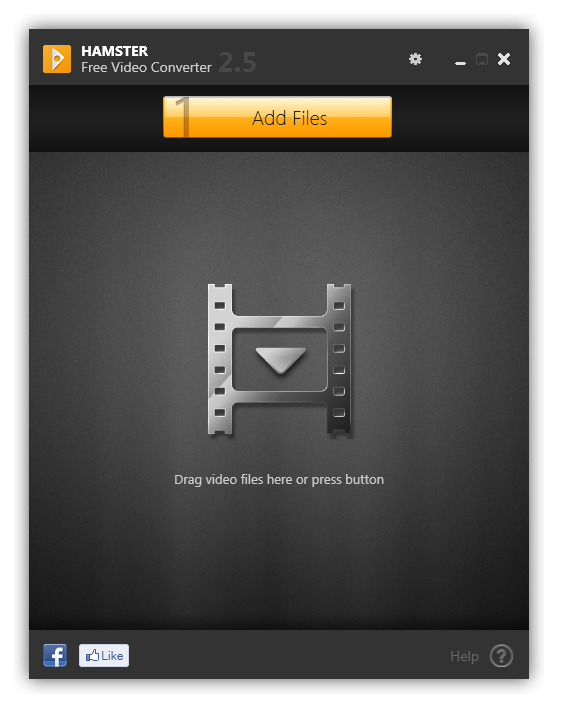
Really nice looking video converter with respectable performance and support for most common video formats. It is able to convert files for use in more than 200 different devices, including iPod, iPad, iPhone 4S, PS3, PSP, Blackberry, xBox, Zune or Apple TV.
It's easy to use and user-friendly interface is suited even for absolute beginners. Hamster Free Video Converter is available in 40 different languages but sadly only for Windows.
Best video conversion software for Mac
 Smart Converter
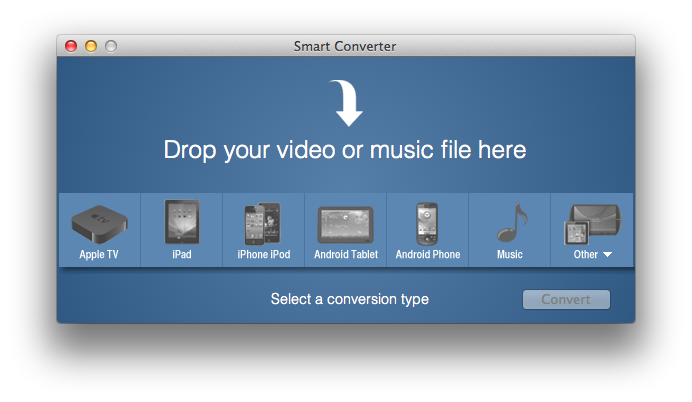
One of the most popular video converters on iTunes, Smart Converter is a small, easy to use video conversion software for Mac operating system. Smart Converter supports hundreds of video formats and is able to converts to all your favorite formats. It can also add your converted files to iTunes.
 Adapter
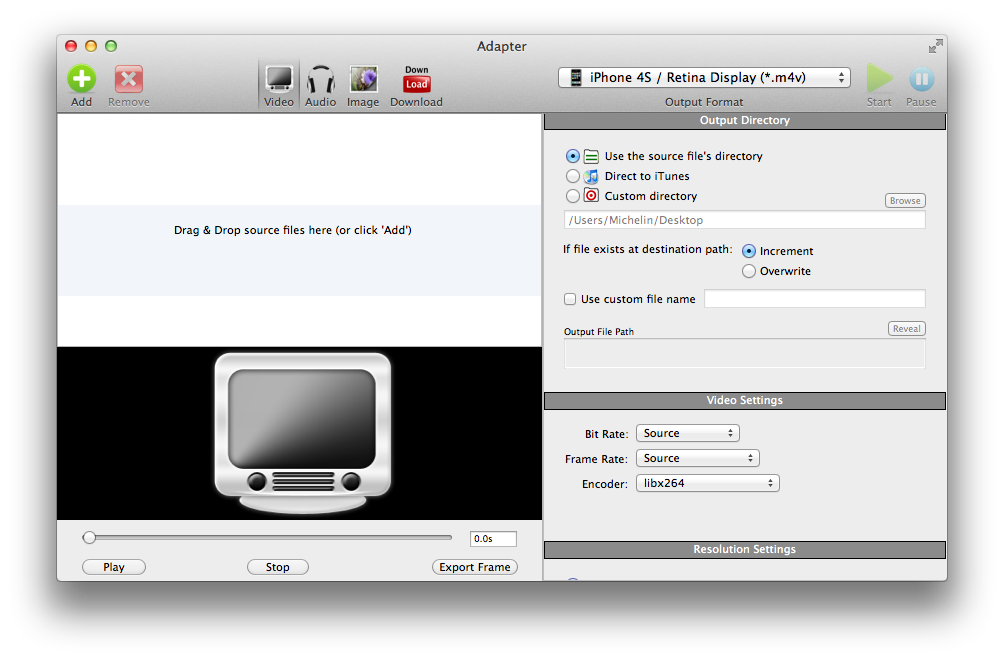
This tiny program is a welcome addition to free video conversion utilities for Mac. It offers everything that modern convertors should, and on top of that the program can also handle audio and image files. Adapter also has in-build iTunes import feature to easily work with your files. There is also version for Microsoft Windows available.
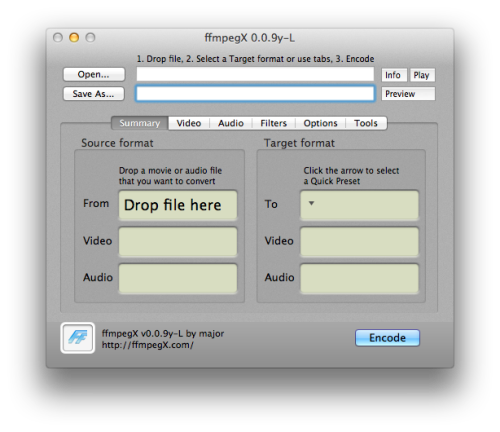 ffmpegX
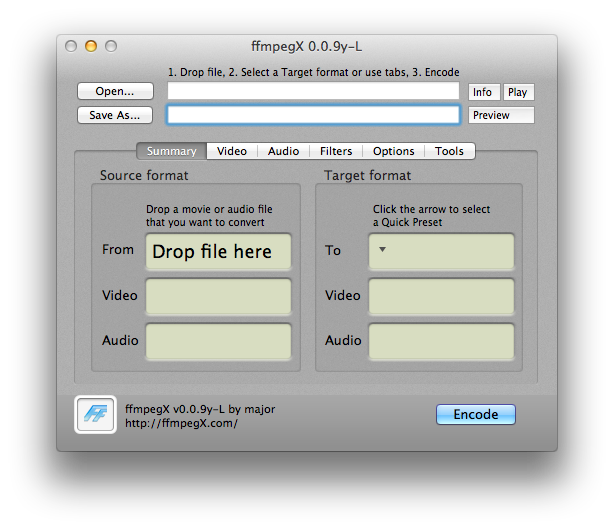
ffmpegX is a macOS / Mac OS X graphic user interface designed to easily operate more than 20 powerful Unix open-source video and audio processing tools including ffmpeg the "hyper fast video and audio encoder", mpeg2enc the open-source mpeg-2 encoder and multiplexer and mencoder the mpeg-4 encoder with subtitles support. The program offers very fast conversion rates and supports great number of video / audio formats. It is available only for Mac platform.
 FLV Crunch
Small and completely free app for Mac that was made by hobby programmer. It support the most common video format conversion options. It is handy for anyone who likes watching digital video on their computer, DVD player, PDA, iPod, iPhone, Apple TV, or any other device. You could turn a video into something you can use with iMovie, iDVD, iTunes, Quicktime Player, and others.
Best Linux software for video format conversion
 HandBrake
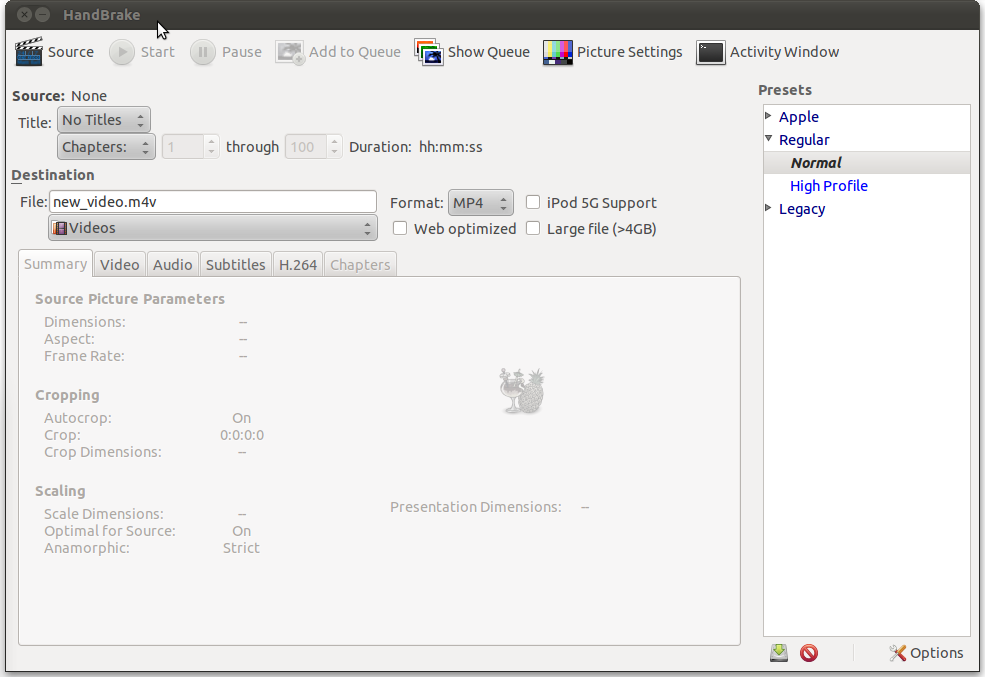
Venerable program with almost 10 years of service, HandBrake is still updated and used by many users. Originally only for Linux, the program is now also available for Mac and Windows. HandBrake offers many conversion possibilities with video editing options, such as deinterlacing, decomb, detelecine, cropping and scaling as well as some subtitle features. It is still one of the best video converters for Linux.
 Avidemux
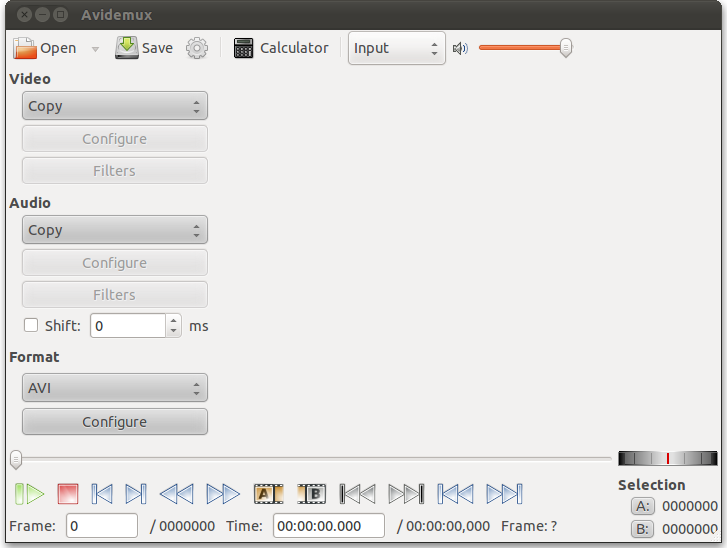
A free video editor designed for simple cutting, filtering and encoding tasks. It supports many video formats, including AVI, DVD compatible MPEG files, MP4 and ASF, using a variety of codecs. Tasks can be automated using projects, job queue and powerful scripting capabilities.
 Transcoder
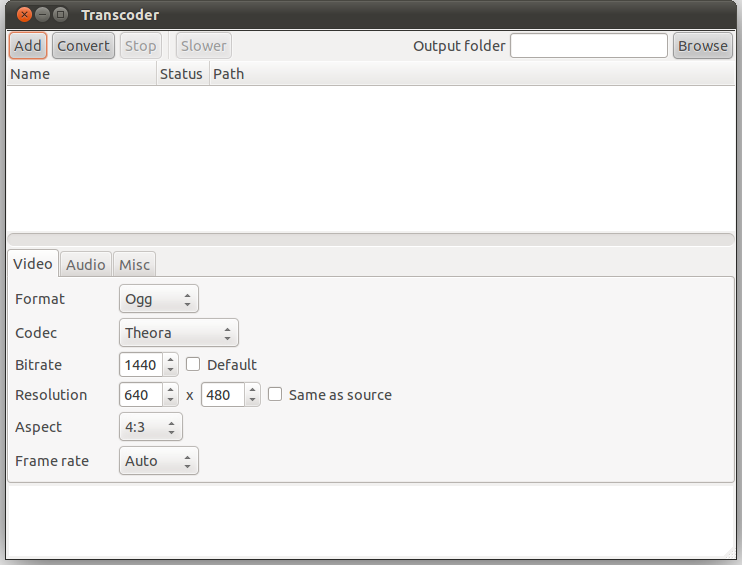
Transcoder is a video converter for Linux using GTK+ as GUI toolkit and ffmpeg as backend. It is distributed under the GNU General Public License. It is one of the free, simple, yet powerful video conversion programs for Linux.