

Loading...

January 18, 2011 1,257 views

How to edit SWF file

An article about how to edit SWF Adobe Flash animation files in SwfModify utility

About SwfModify Utility

If you have Adobe Flash animation (file with SWF file extension) and want to edit it, you do not need to install Adobe Flash. Adobe Flash is a professional application to create and edit Flash animations, but there are many simple Flash editors for easy editing of Flash animations such as SwfModify.

SwfModify is simple and useful tool for editing SWF Flash animation files and it has a great advantage of being free. You need no experience with Flash design, all you need is to click with the mouse button.
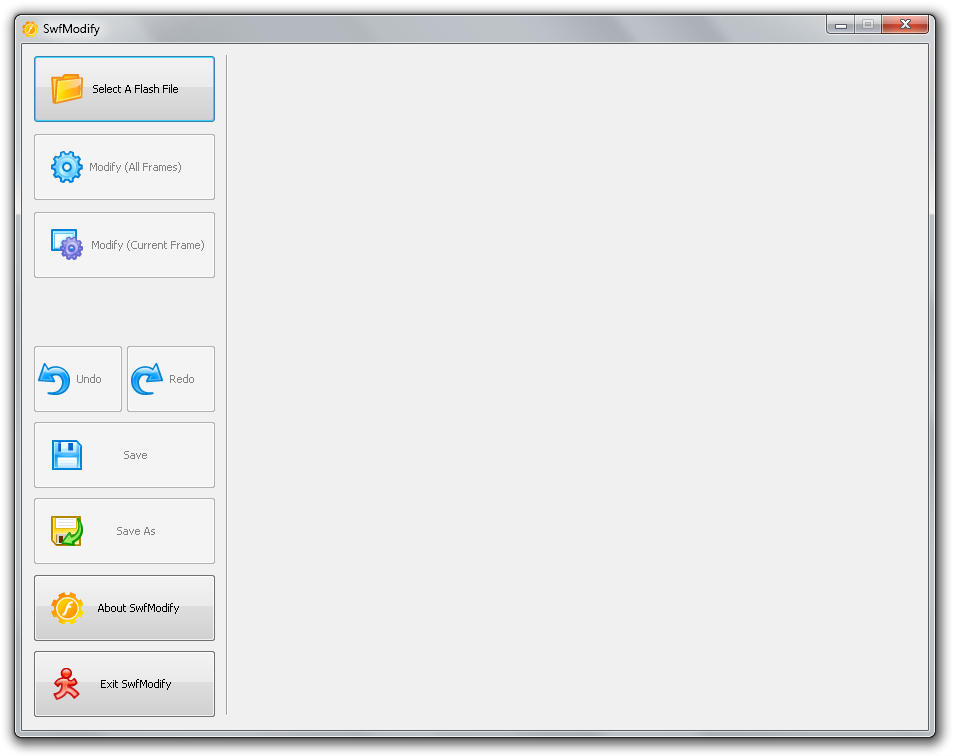
 

swfmodify application

Three simple steps to work with SwfModify:

  1. Open a flash file, a file with swf file extension
  2. Edit the current frame or all frames
  3. Look at the preview in the player and save a new Flash SWF file

Related articles

June 1, 2016

Cross-browser testing tools

Anyone who ever had a website sooner or later discovers that his web is screwed in some of the versi...

Read more
November 7, 2011

Convert any video to DVD

If you have any video files in any video format, such as DivX, XviD, M2TS, MKV, QuickTime, 3GP, M2P,...

Read more
August 8, 2011

Best free video converters for Windows

If you want to save your money per quality video converter, read our article. We present you five hi...

Read more
February 8, 2011

How to install Flash Player to Android Eclair

Do you want to have support of Adobe Flash in your older smartphone with earlier version of Android?...

Read more