Language
Related extensions:
Windows 8 operating system lost its default ability to playback DVDs. Well not really lost, but the functionality is only available in Windows 8 Pro version, or as part Windows Media Center Pack, which you have to buy from Microsoft. Great thing, when a new versions of operating system looses some of the most common function.
But do not despair, there are some very viable alternatives and even some excellent free ones that will allow you to play DVDs in Windows 8 without any troubles.
Top free DVD media players for Windows 8
There some really cool free alternatives to what Microsoft offers.
VLC Media Player
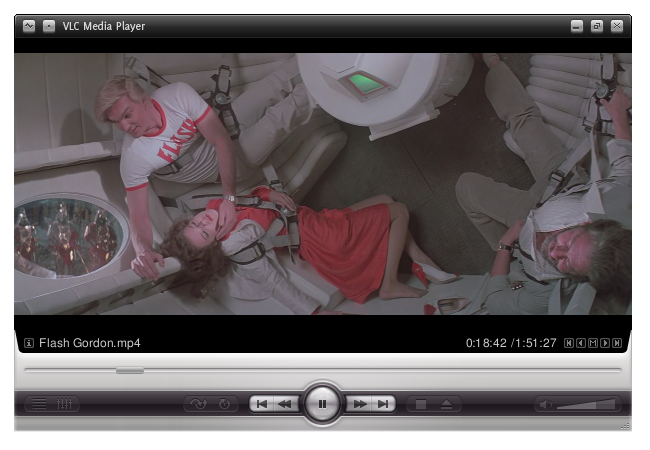
Most like no.1 choice for most Windows users. This popular free media player supports plethora of various different media formats and also has DVD/Blu-ray playback capability. No need to install additional codecs or plugins, everything is included in this great free program.
BS.Player
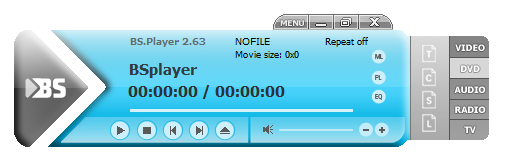
Another great free alternative for DVD player. Except for the usual media player capabilities, BS.Player has one great advantage over VLC player - subtitles. BS.Player offers great subtitling possibilities, as you can easily lookup subtitles for your movies directly on several subtitle sites. Awesome choice for someone who prefers his movies with subtitles.
Top commercial DVD media players for Windows 8
There are also some really great commercial alternatives.
Cyberlink PowerDVD
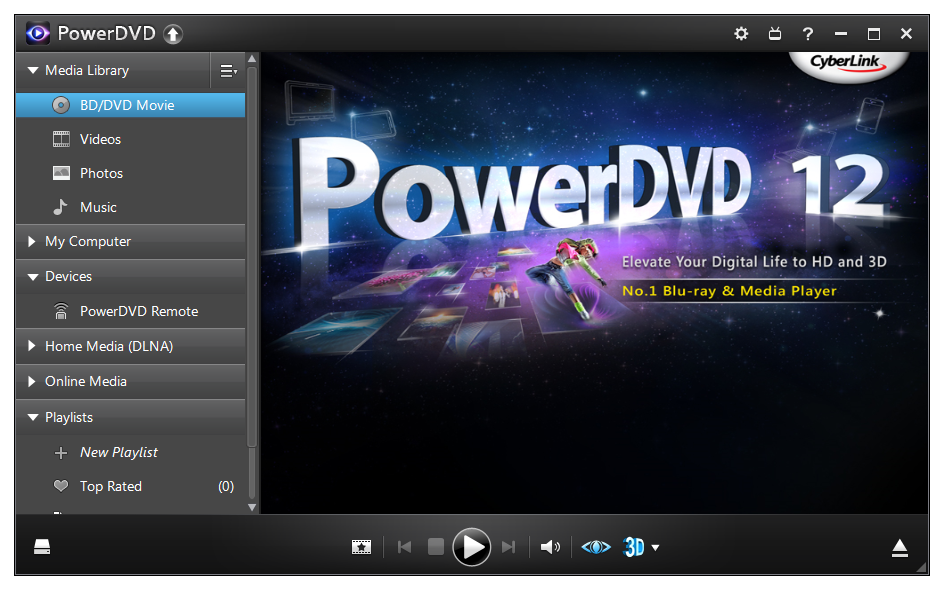
PowerDVD is great commercial DVD player. It' not the cheapest, but it offers much more than the standard Windows Media Player. No wonder its one of the most successful products with over 100 mils copies sold annually. It's capabilities shine if you use big monitors or TV screens, as its upscaling technology is superb.
If you are looking for a really awesome product, this is our choice.
Corel WinDVD
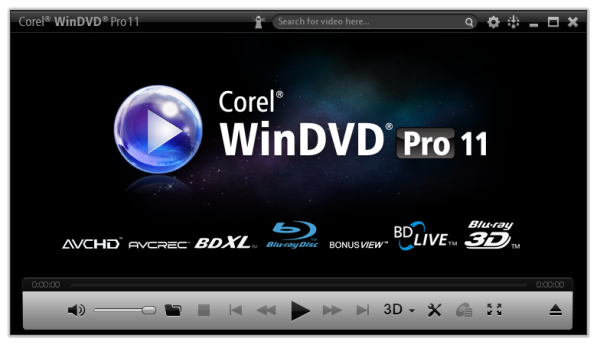
Formerly known as InterVideo WinDVD, Corel WinDVD is another great professional media player. It offers enhance video quality with new anti-shake and frame rate upconversion features, as well as enhanced picture upscaling and saturation adjustment. On top of that it probably has one of the most user friendly GUIs in the industry.