
 Language
Related extensions:
Introduction

If you are one of the users that upgraded from Windows 7 directly to Windows 10, you may have missed one of the neat additions in Windows 8 - the ability to mount ISO disk images in a virtual drive.
With this, users can work with ISO images without any virtualization tool installed. So no need for Daemon Tools and similar utilities to install stuff from .iso images.
About ISO disk images
ISO images (.iso) represent one of the most common way to store a digital copy of a physical media disc and nowadays it is used for both backup and software installation purposes.
The structure of ISO images is defined by ISO 9660 standard, which specifies the volume and file structure of compact read-only optical disks for the information interchange between information processing systems.
How to access ISO files in Windows 10
In Windows 10 (and previously 8) you can use right click ► mount option to inject your disc image to Windows virtual CD/DVD drive.
Double-clicking is used for burning purposes, so the system would try to burn your .iso image on a physical disc.
This feature is seamlessly integrated to File Explorer (formerly Windows Explorer) ribbon menu and the whole .iso handling workflow as you can see at the following screenshots.
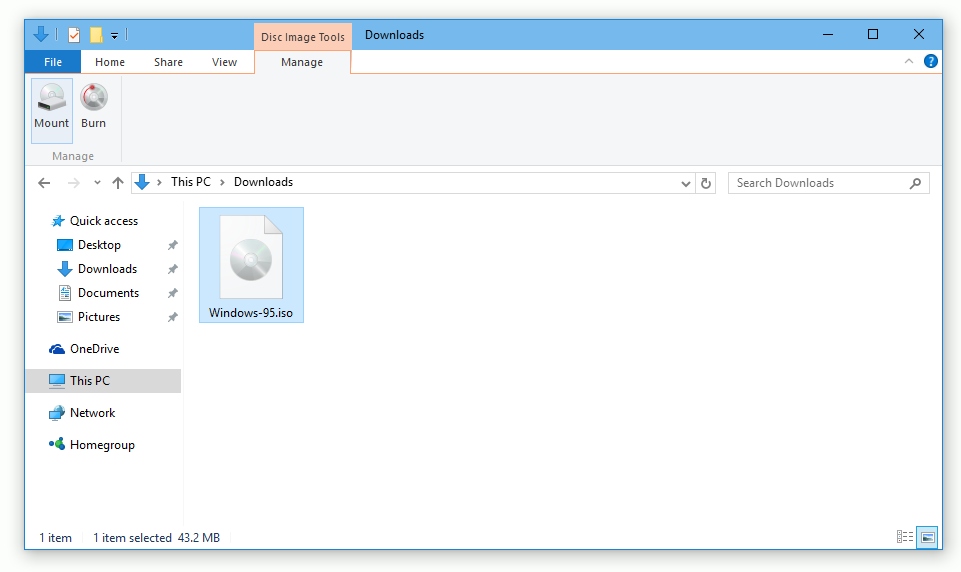
Random .iso image found using File Explorer
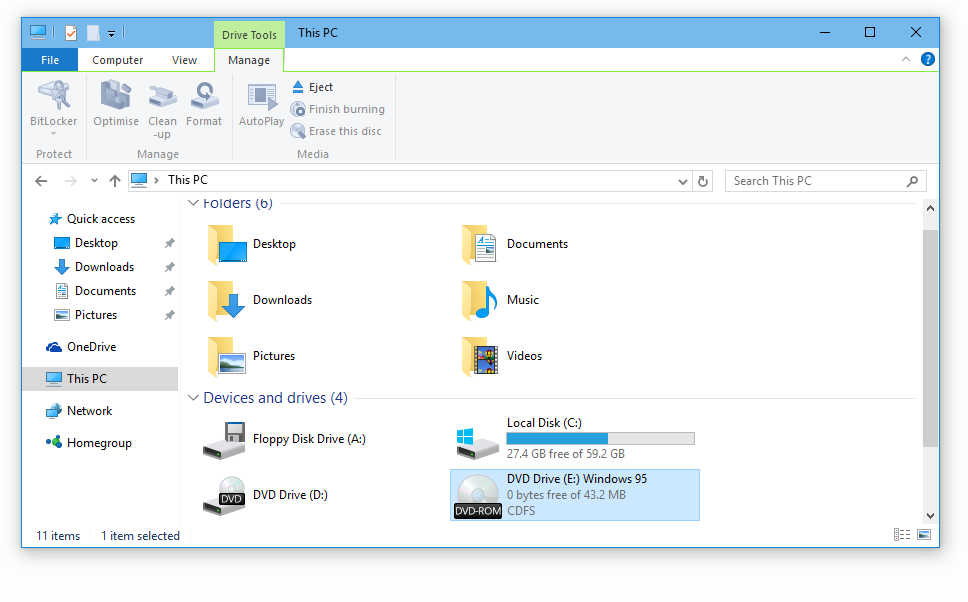
Windows 95 ISO mounted in Windows 10
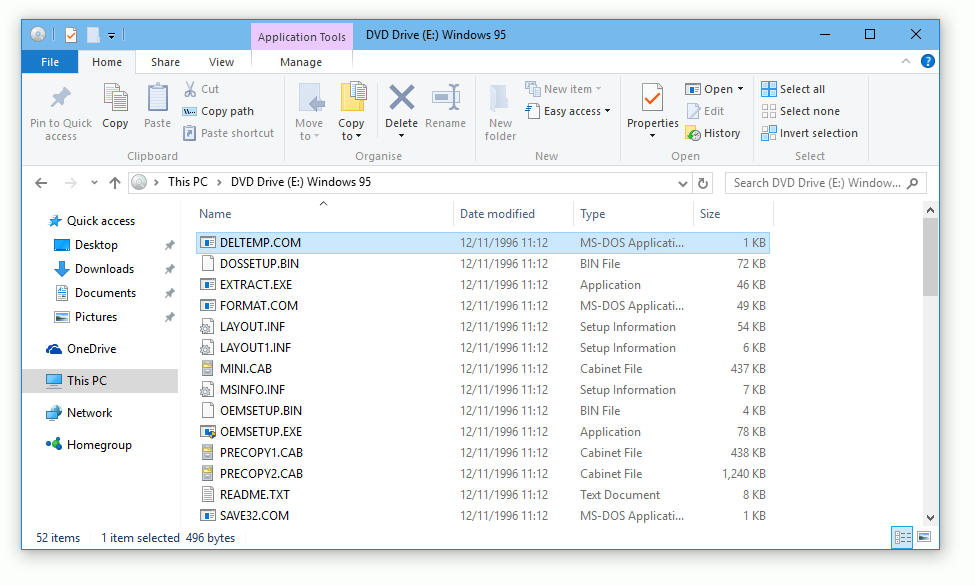
Mounted Windows 95 ISO explored with File Explorer
Creating ISO files in Windows 10
Much like in Windows 8 and previous editions, you are still unable to create .iso images without special tool for it.
So you have to use one of the many available burning or disc image management programs for this job. If you google a bit, you can find dozens of free utilities that can be used to create .iso images.