
 Language
Related extensions:
TIP: Working with Pages documents online without Mac or iPhone
For users that do not own any of the many Apple devices and gizmos, it may be sometimes really difficult to work with unique documents and other file from MacOS (previously Mac OS X) or iOS platforms.
A few years ago, we have talked about the basics of how to work with Pages documents in Windows in one of our articles. But today you have options available that did not exist back then and in this article we will cover one the most convenient one - using iWork for iCloud.
What is iWork for iCloud?
iWork for iCloud gives users all the tools for making and sharing Pages documents, Numbers spreadsheets and Keynote presentations directly from web browser, regardless if they are on Mac or PC. All you need to have is Apple ID.
Opening and conversion of Pages documents using iWork for iCloud
Create new Apple ID (iCloud) account
If you do not have already you can easily create your own Apple ID, even if you do not possess any Apple device.
Open your web browser and navigate to iCloud web page where you can click on Create your free Apple ID and get started today > button, or alternatively Don't have an Apple ID? Create yours now button.
- Fill in the registration information in web form and click on Continue button.
- Login to e-mail you have provided during the Apple ID registration and retype verification number.
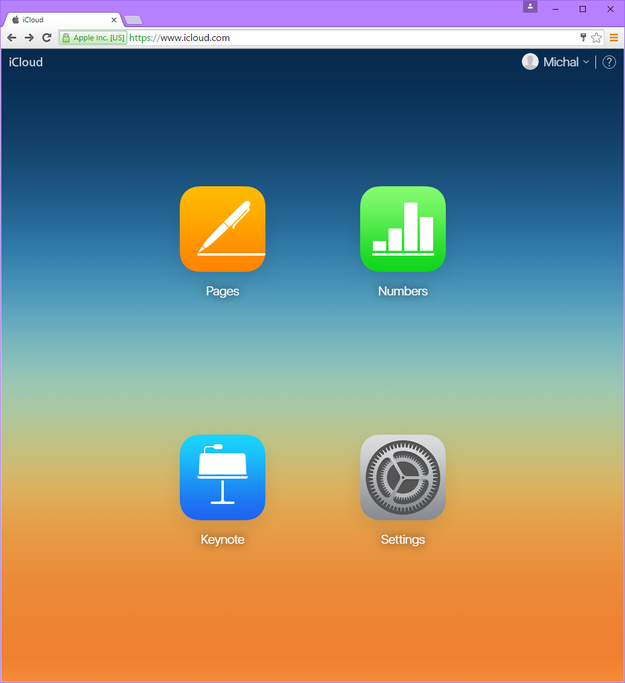
- You will be now redirect to Apple iCloud and you can log in.
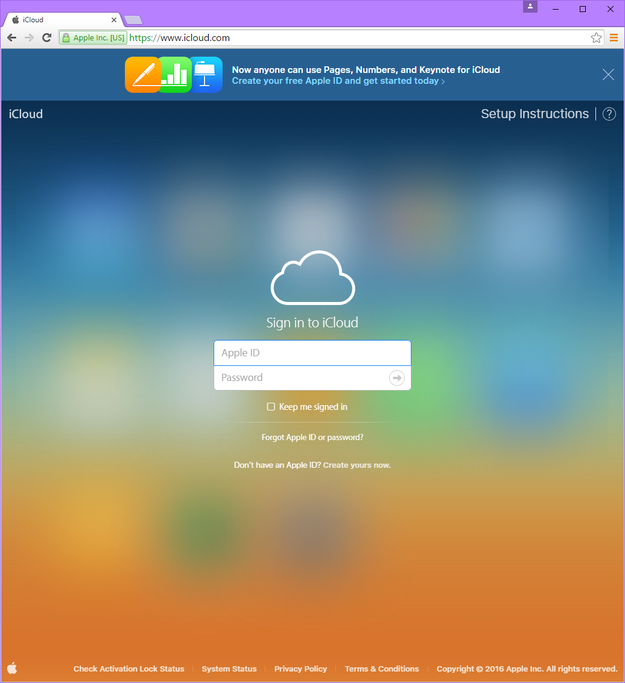
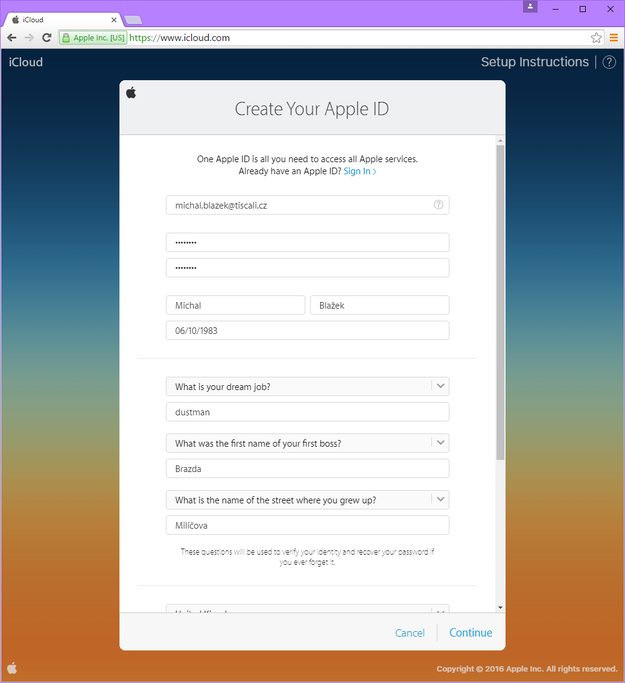
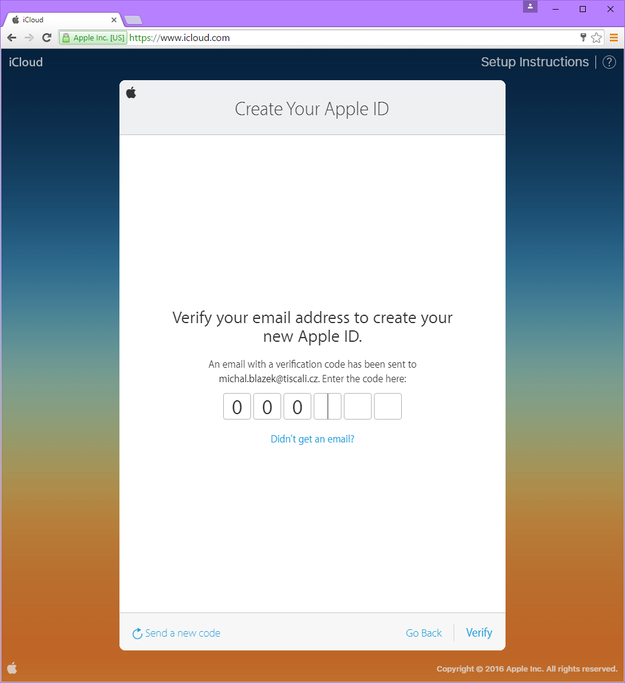
Creating new iCloud account in three steps
Work with Pages in iCloud
Once you have your iWorks for Cloud account set-up, you can use it as an online productivity tool, much like you would use the online version of MS-Office.
Click on Create Document option. This will open a new blank Pages document.
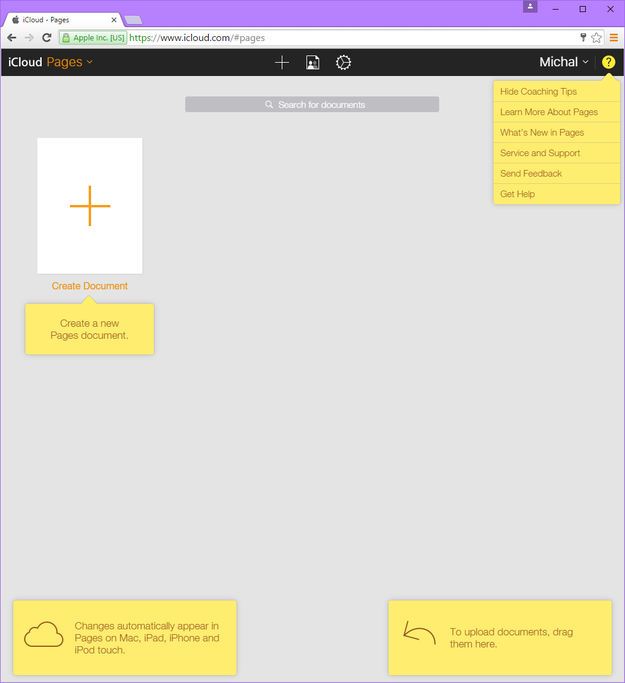
Making new .pages document in iCloud
Now you can edit your Pages document. The tool saves your document automatically to your account.
However, if you want to download your document to your computer, you will need to click on View Pages tools button (icon with wrench in top menu) and pick Download a Copy... option and Select format of your document (.pages, .pdf, .doc/docx or .epub) which will initiate the download in the chosen format.
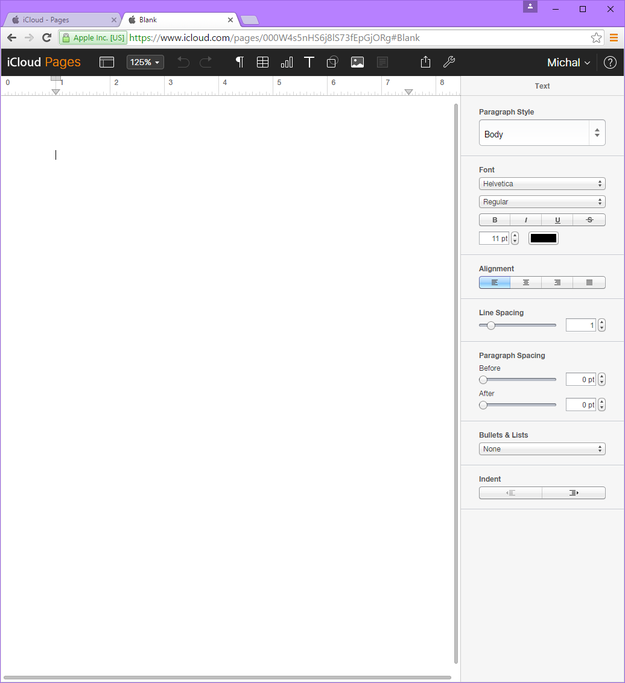
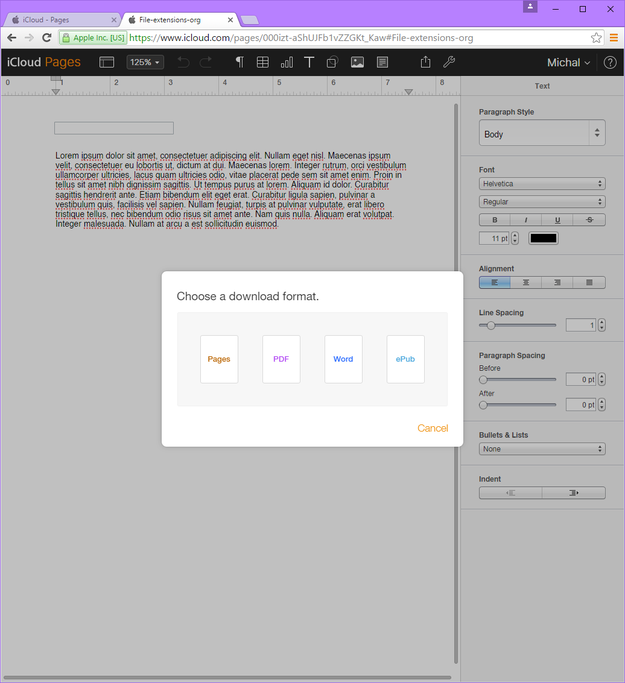
Saving .pages documents to other formats using iCloud
Convert .pages file to other formats
In situations when you already have .pages document and you just want to convert it to something useable on Windows PC (that is you do not have access to Mac or iPhone), you can use iWorks for iCloud for this as well.
Open Pages in iCloud and simply drag and drop your .pages file to default Pages main screen. The file will be uploaded to your spreadsheet library and you can work and edit it or save it to some other formats.
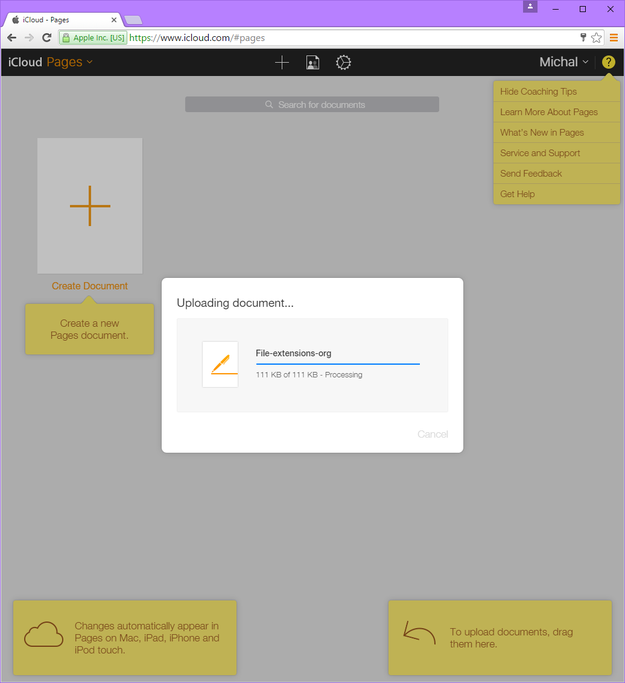
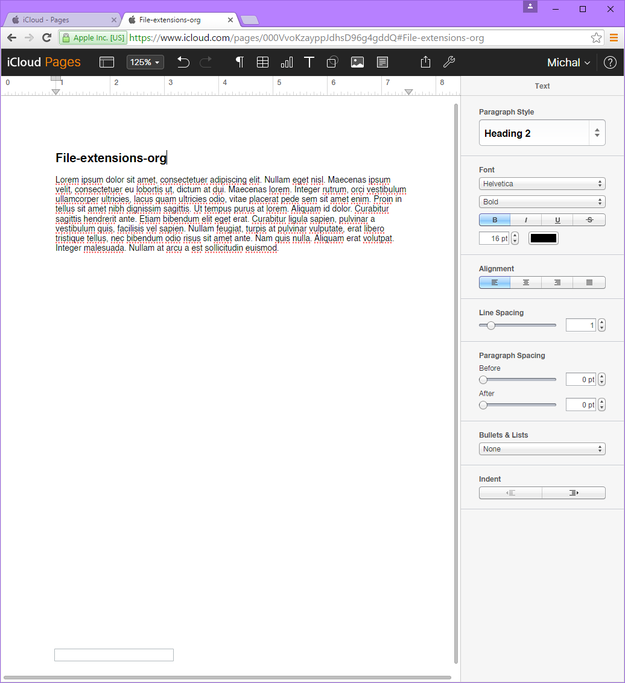
Opening .pages documents in iCloud
If you want to export and save it to other format click View Pages tools button (icon with wrench in top menu) and use Download a Copy... option to save it any of the available formats, for example MS Word document (.docx) or even ePUB ebook.
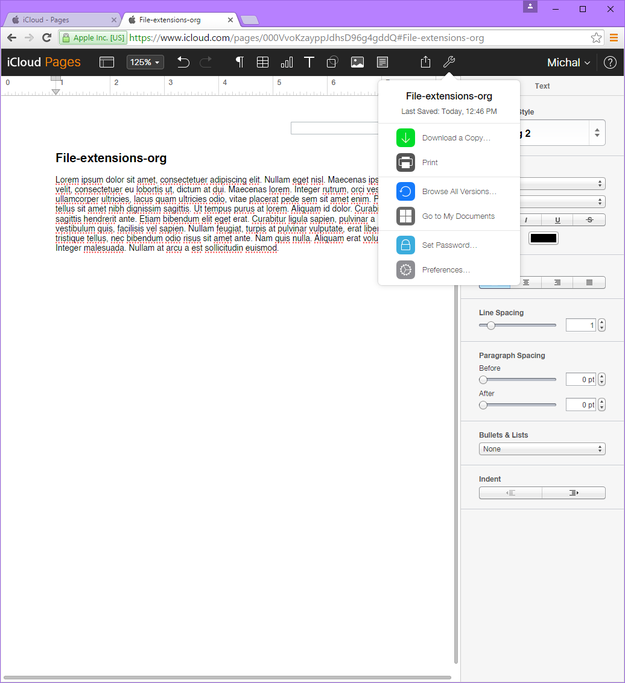
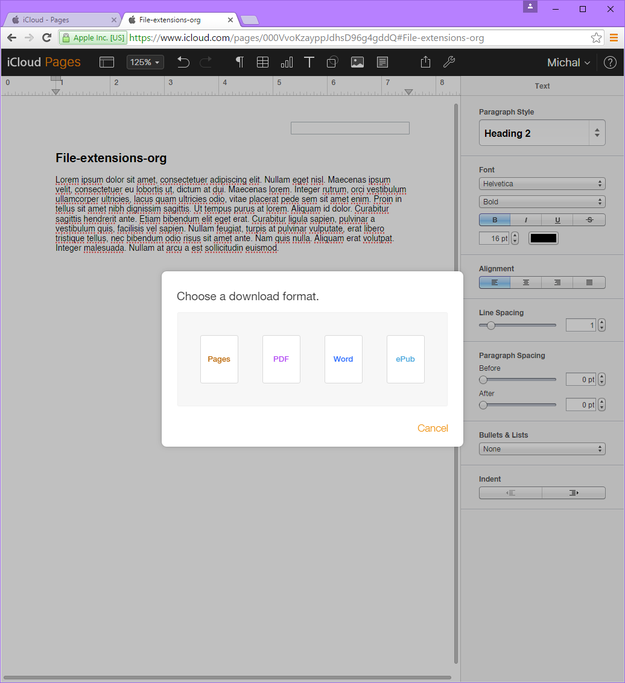
Converting .pages documents in iCloud