
 Language
Related extensions:
Guide: Make your own audio books from e-books
 Audio books are excellent alternatives to standard e-books in situations when you are in no mood for reading, need alternative to music, or just want something to listen to before you fall asleep.
You can buy many professionally made audio books from Audible or similar websites, but if you have deep pocket, you can make your own, free audio books from e-books.
This is of course not only limited to e-books, but may also be useful for studying materials, presentations and similar texts that you want to listen to.
This article covers the basics about making your own free audio books from e-books, or other documents using a freeware software.
How to create audio book from digital book
Balabolka
 You can find several free text-to-speech conversion programs on the Internet, but for our article we have chosen only one - Balabolka.
Not only does it support a large number of output and input file formats, but it also supports a nice subtitling feature that allows you to embed the captured text as subtitles.
This means you can both listen and read the text at the same time, which can be pretty useful when you are using this to improve your foreign language skills.
The program uses various versions of Microsoft Speech API (SAPI), with options to adjust voice parameters including pitch and rate.
Text-to-Speech conversion with Balabolka
Let's check how you can use Balabolka to create your own audio books from e-books. We picked the classic, Alice in Wonderland (Lewis Carroll) book, which we have downloaded in a .txt file that was made from ePUB.
Easily editable formats are handy, because you can make quick adjustments, split chapters to individual e-books, removing text you do not want to hear and similar tasks to improve the resulting audio book. But you can work with the text just fine using Balabolka as it offers simple text editor.
1. Import your e-book or other document
Simply open your file in the program and you will see the whole text loaded, along with several tabs for each SAPI and number of settings you can adjust. It takes a little experimenting to get the voice you like, so do not be afraid to play with it a little.
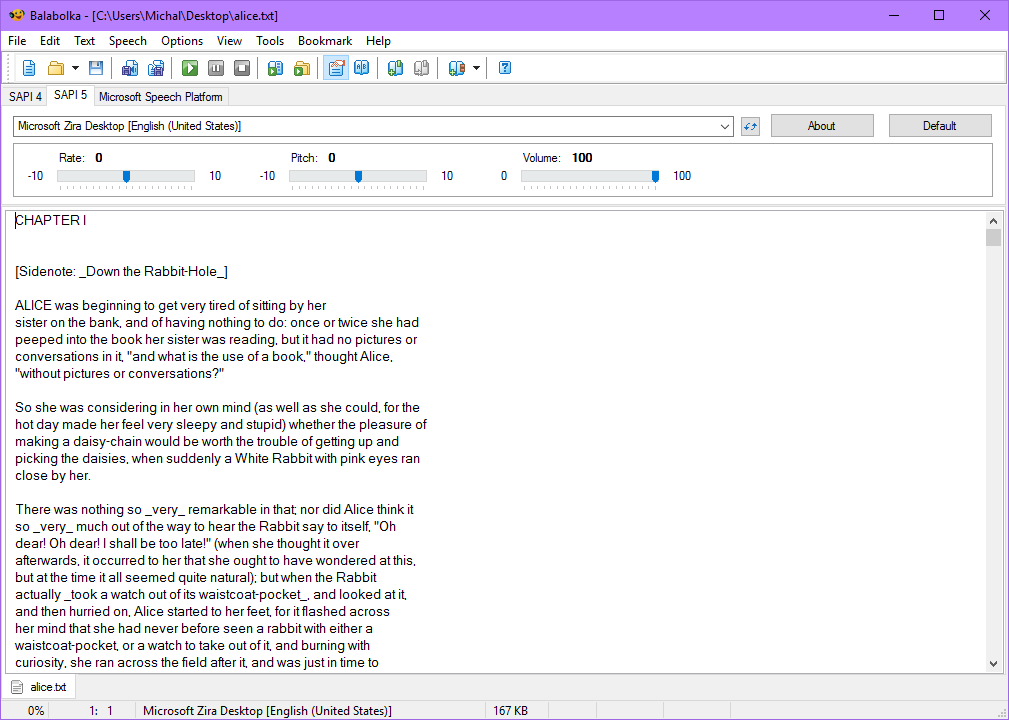
As you can see the text itself, contains various element's in brackets, something you do not need to hear and may want to delete before converting it to audio.
2. Convert the text to audio
When you are satisfied with the text, simply use the File ► Save Audio File... option, name the audio book, change the output format and save it.
The MP3 format is probably your safest choice for maximum compatibility, but you can use any of the alternatives.
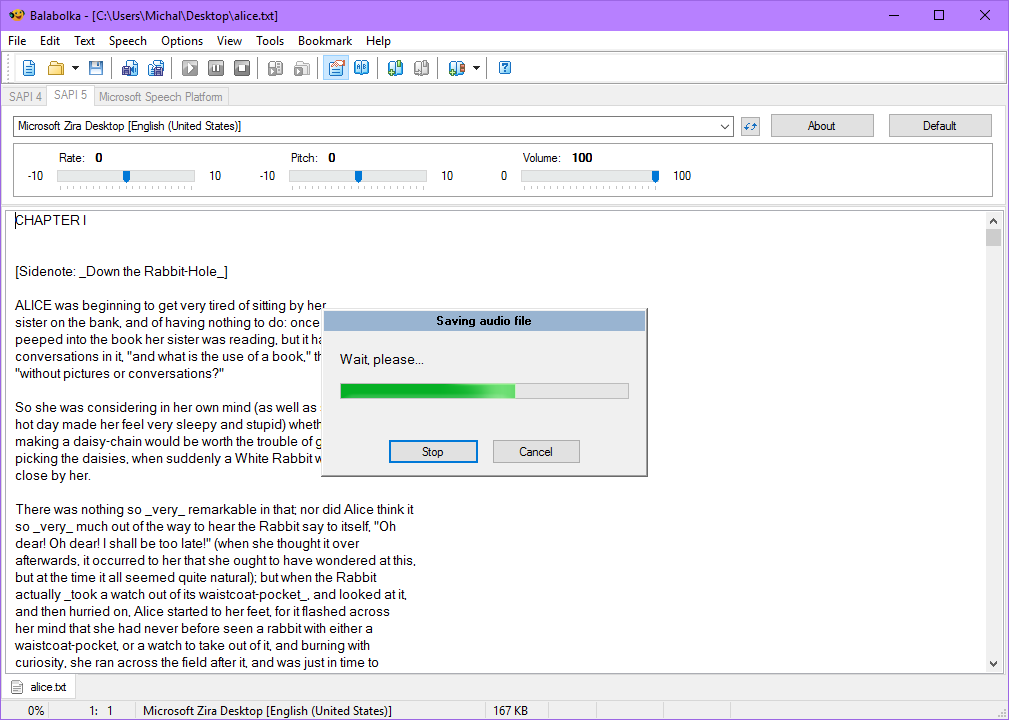
After a while, your new audio will be created and you can listen to it. If you are not satisfied with the results, tweak whatever settings you need and repeat the process.
And that's pretty much everything you need to know about the ebook to audio book conversion.
One More Thing..
You can find information about so called Zipped Audio Books, or ZAB files, on the internet. These are nothing more but a ZIP compressed audio files (.mp3, .mp4 or whatever) that had their extensions renamed from zip to zab.
This is mainly done so these files are easily recognized in a folder full of audio files and you may even find some media players for Android that support this format. But you won't find websites that offer .zab files for download, it's just a home brew format.
Considering most audio files like MP3 are already heavily compressed, further compression to ZIP does not reduce the file size dramatically and so using .zab files does not offer much if anything at all.